 CutNow
Video editing articles
Choose an editor, cut a YouTube video, sync captions, or build a movie recap from footage you already have.
Articles: 56
Results: 56 / 56
 Editing workflows
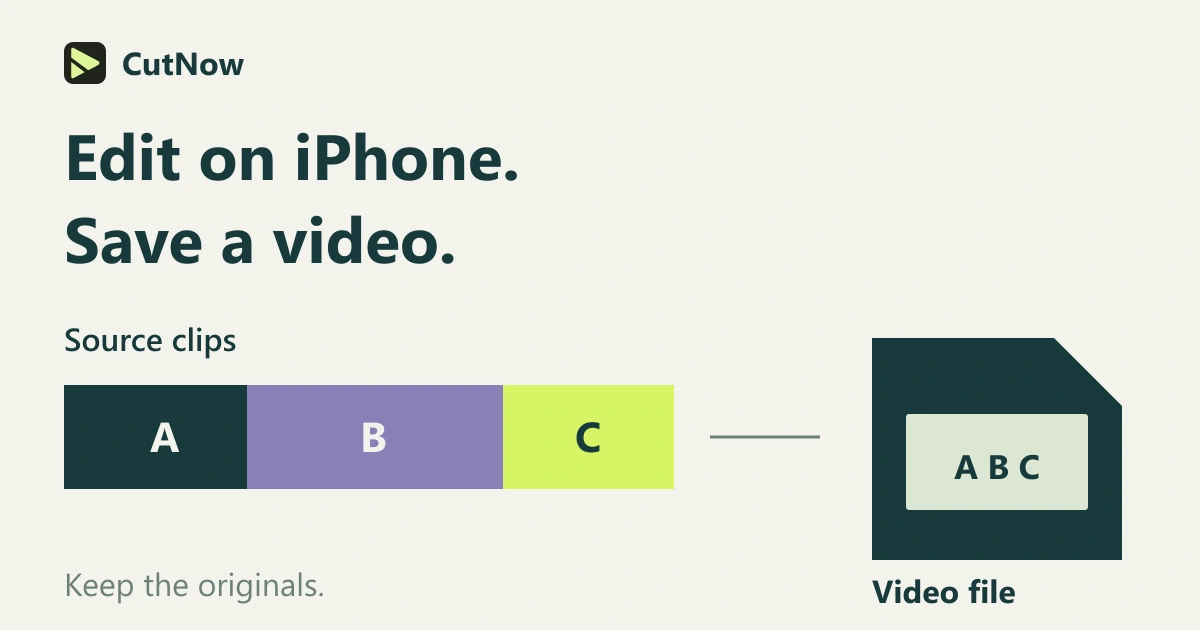
How to edit videos on iPhone and save a finished copy
Edit existing recordings on iPhone with Photos or iMovie. Keep originals, remove unwanted sections, check sound and text, then save a playable video file.
 Editing workflows
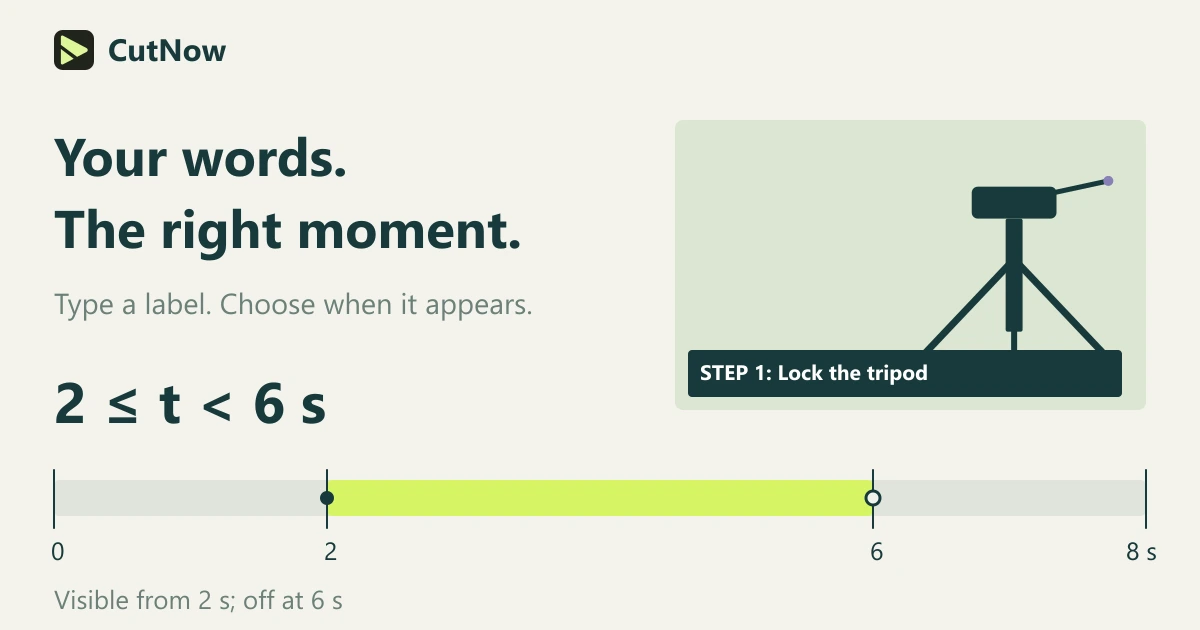
Add text to a video: place a label at the right time
Add your own title or step label with UTF-8 text, a real font, a fixed position and a timed interval. Export a separate MP4 and check the saved file.
 Editing workflows
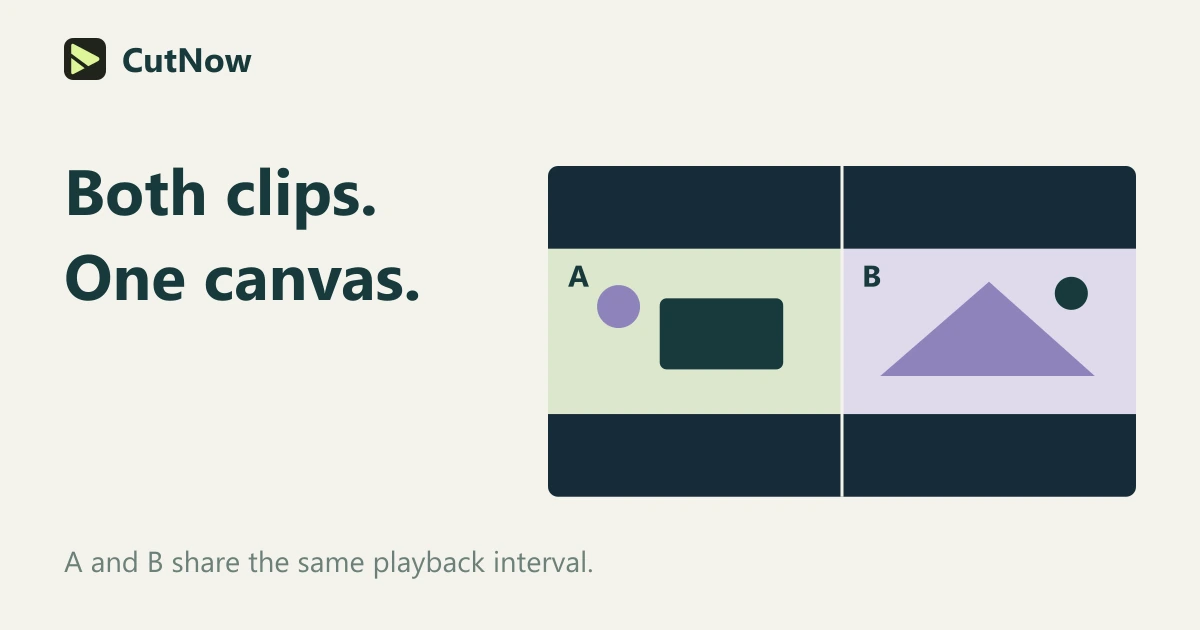
How to Make a Video Collage with Two Clips Playing Together
Make a two-window video collage with a shared timeline. Fit and pad whole pictures, choose one soundtrack and export/check a single MP4 with a complete FFmpeg method.
 Editing workflows
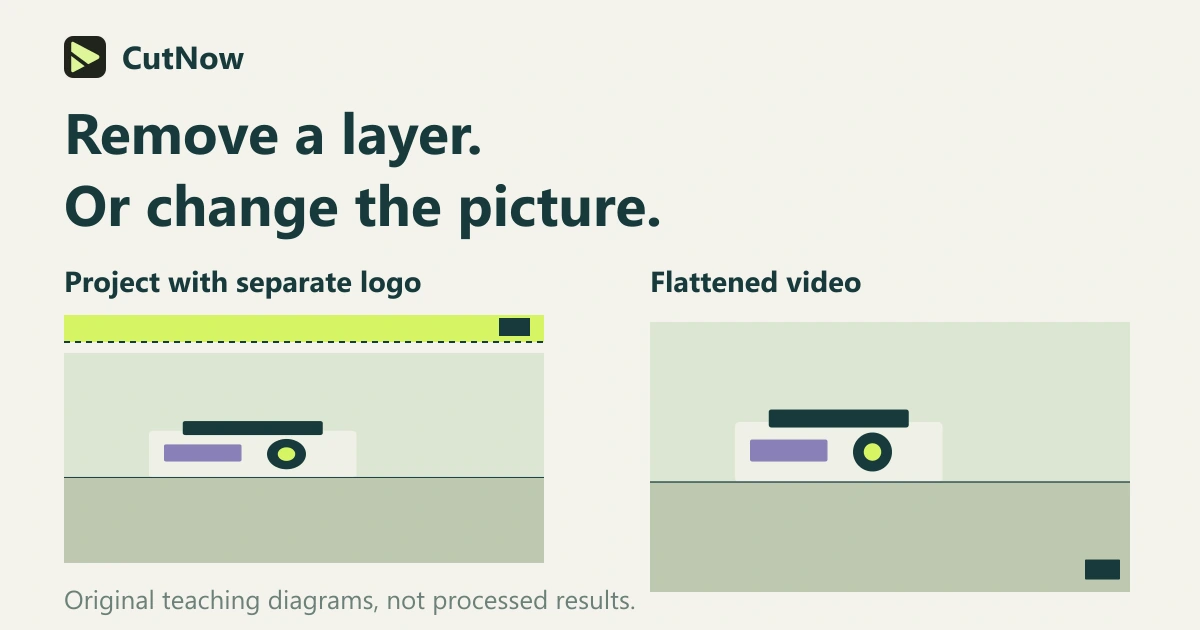
How to Remove a Watermark from Your Own Video
Recover a clean project export or choose a crop or fixed-region patch for your own video. Check coordinates, motion, retained detail, sound and the actual file.
 Editing workflows
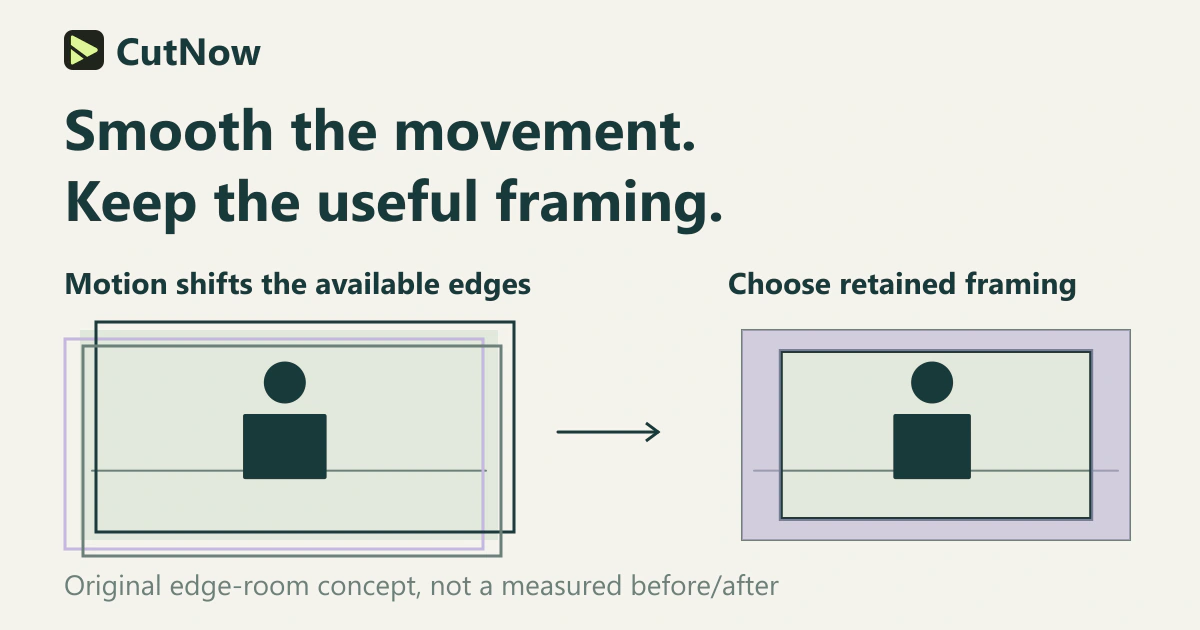
Stabilize Shaky Video While Keeping the Shot You Need
Use FFmpeg and VidStab to analyze one shot, apply matching corrections and compare the saved file. Balance smoothing, edge room, intended camera movement and sound.
 Editing workflows
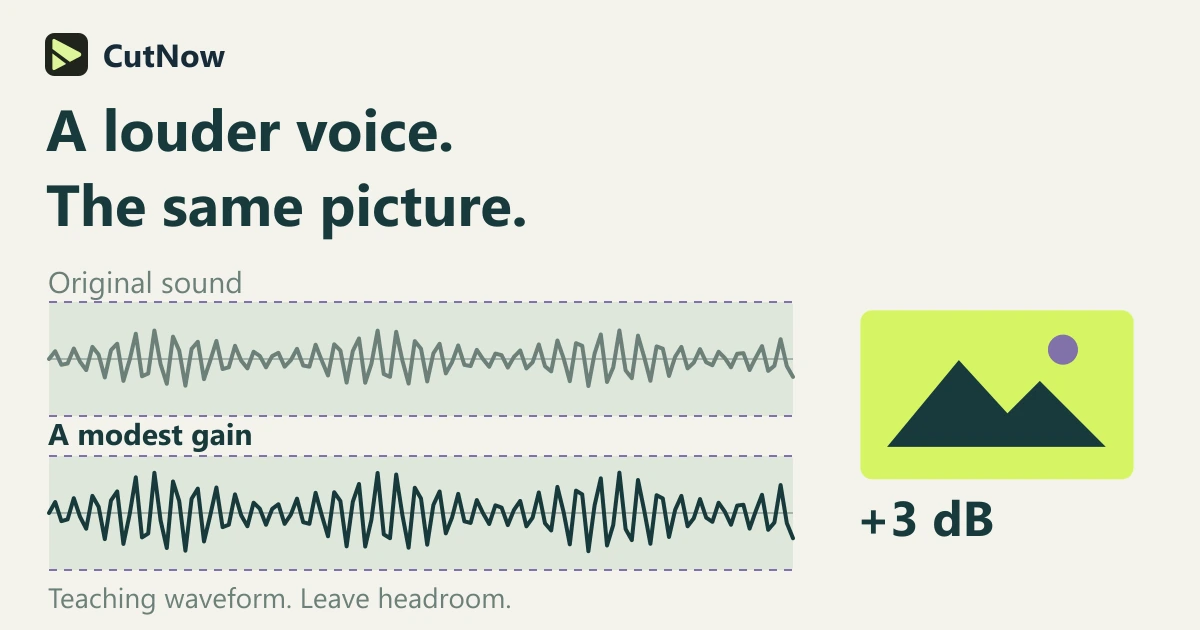
Increase Video Volume and Save a Louder MP4
Make quiet original video audio louder with a modest fixed gain. Choose the right track, leave peak headroom, save a same-picture MP4 and check the encoded result.
 Editing workflows
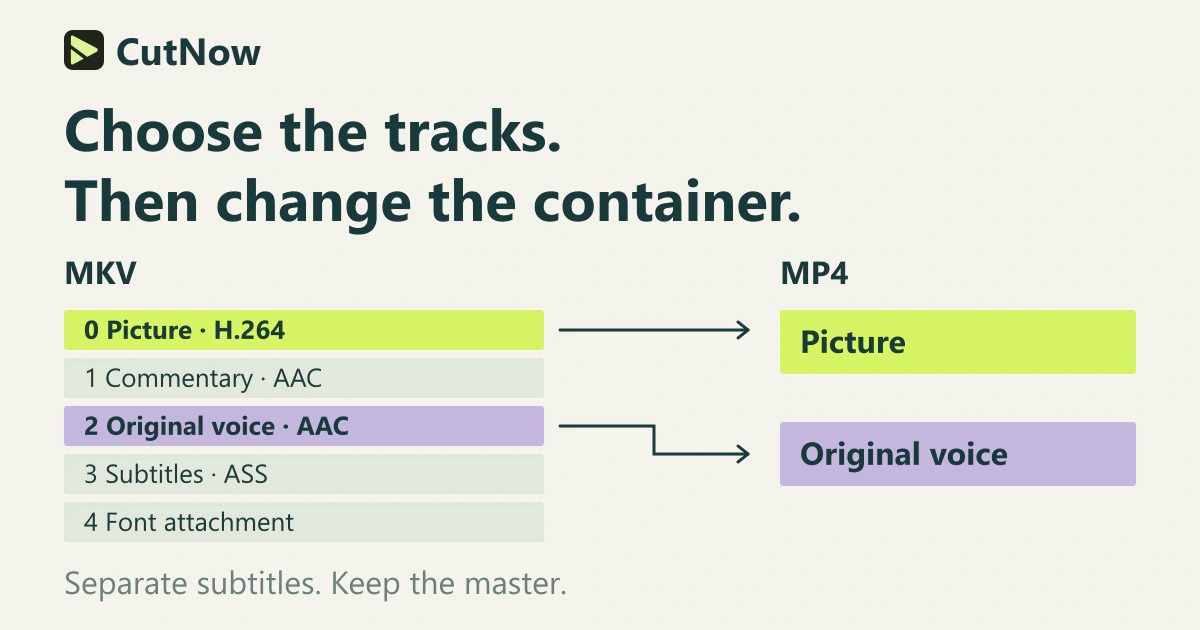
Convert MKV to MP4 Without Losing Track of the Right Sound and Subtitles
Convert MKV to MP4 with explicit video and audio choices. Copy compatible streams or encode only what is needed, and hand over subtitles, fonts and chapters deliberately.
 Editing workflows
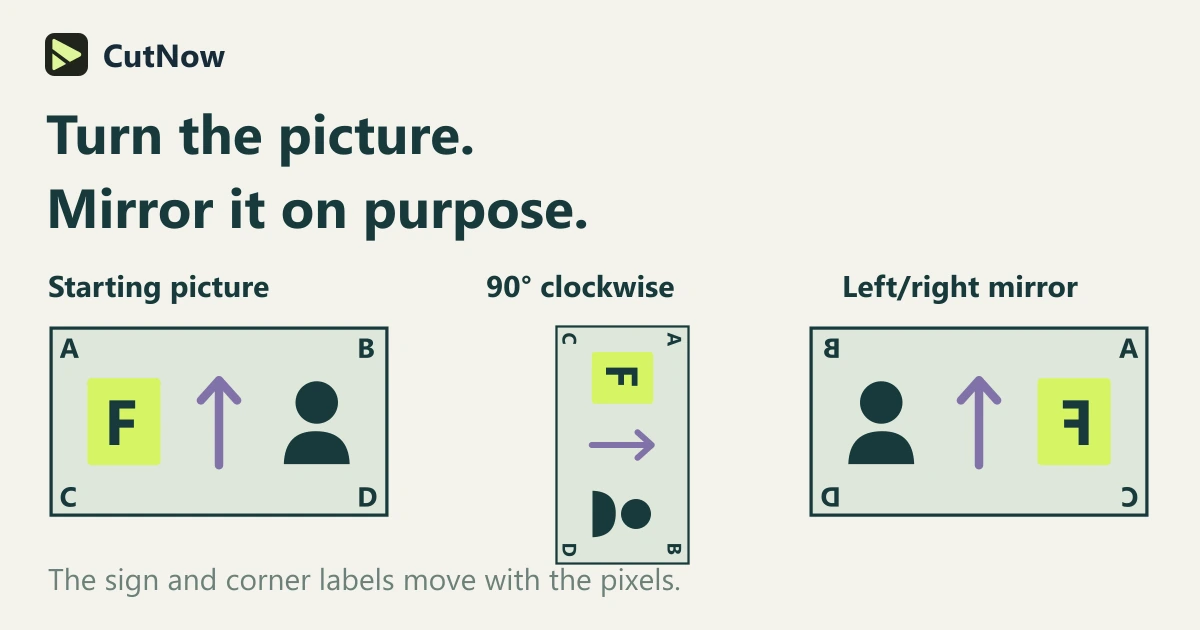
Rotate or flip a video, then export the direction you intended
Rotate90 or180 degrees, or mirror a video without confusing stored pixels and display metadata. Use explicit FFmpeg methods, then check geometry, writing and audio.
 Editing workflows
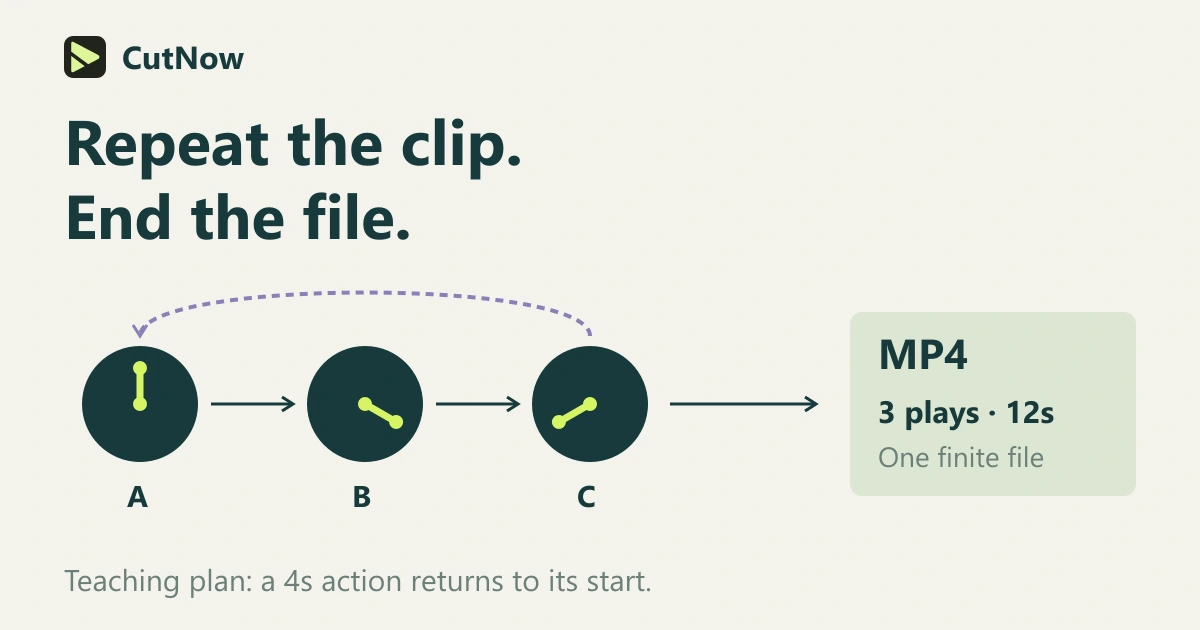
How to Loop a Video into One Finite MP4
Repeat a selected video into one MP4. Set total plays or a target duration, handle the final partial cycle, and check original sound and picture joins.
 Editing workflows
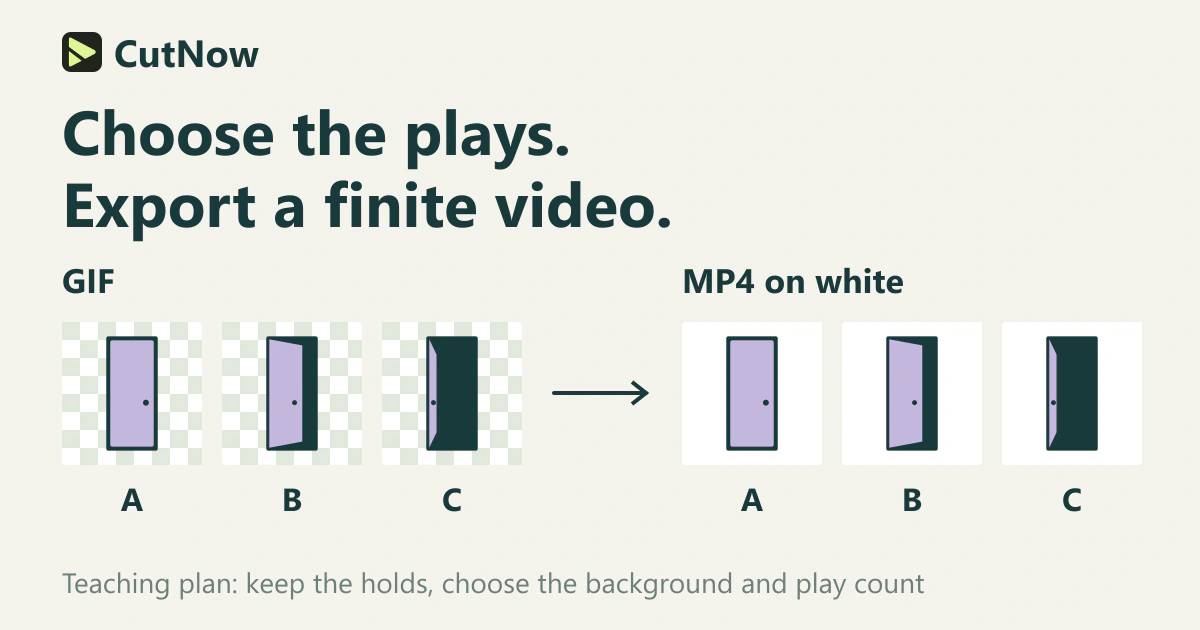
How to Convert an Animated GIF to MP4 with the Right Timing and Background
Convert an animated GIF to a finite MP4 with FFmpeg. Set play count, composite transparency over white, handle odd dimensions and check the saved video’s timing.
 Editing workflows
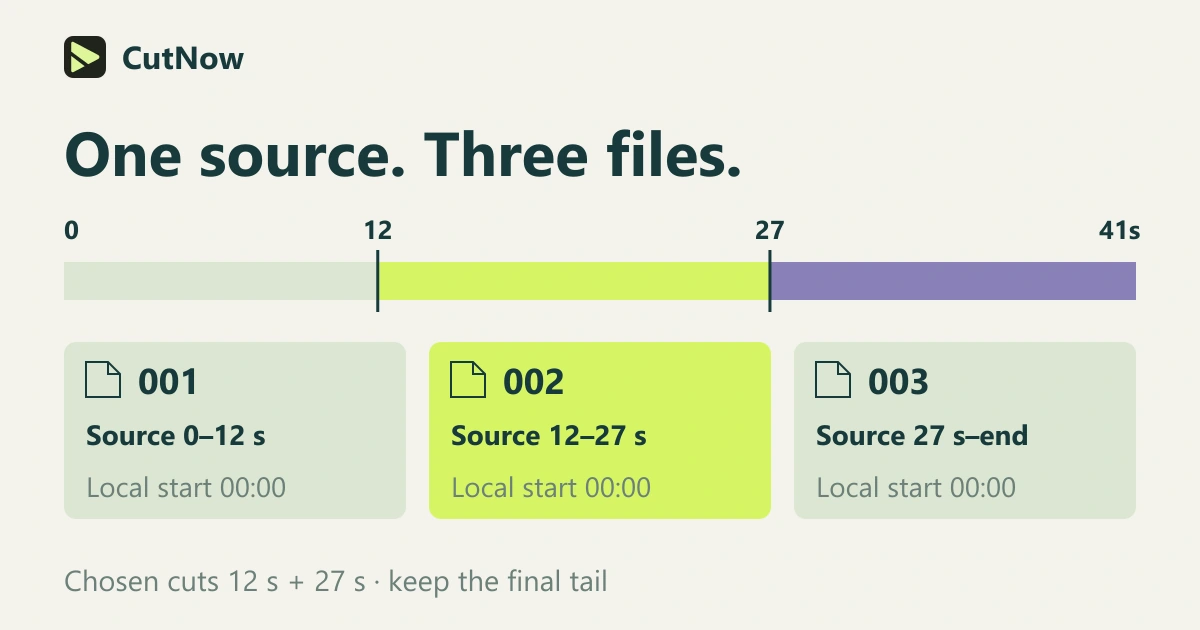
How to Split a Video into Separate Files at Chosen Times
Turn known cut points into separate video files. Compare accurate range encoding with keyframe-based batch copying, then check sound, local clocks and the final tail.
 Editing workflows
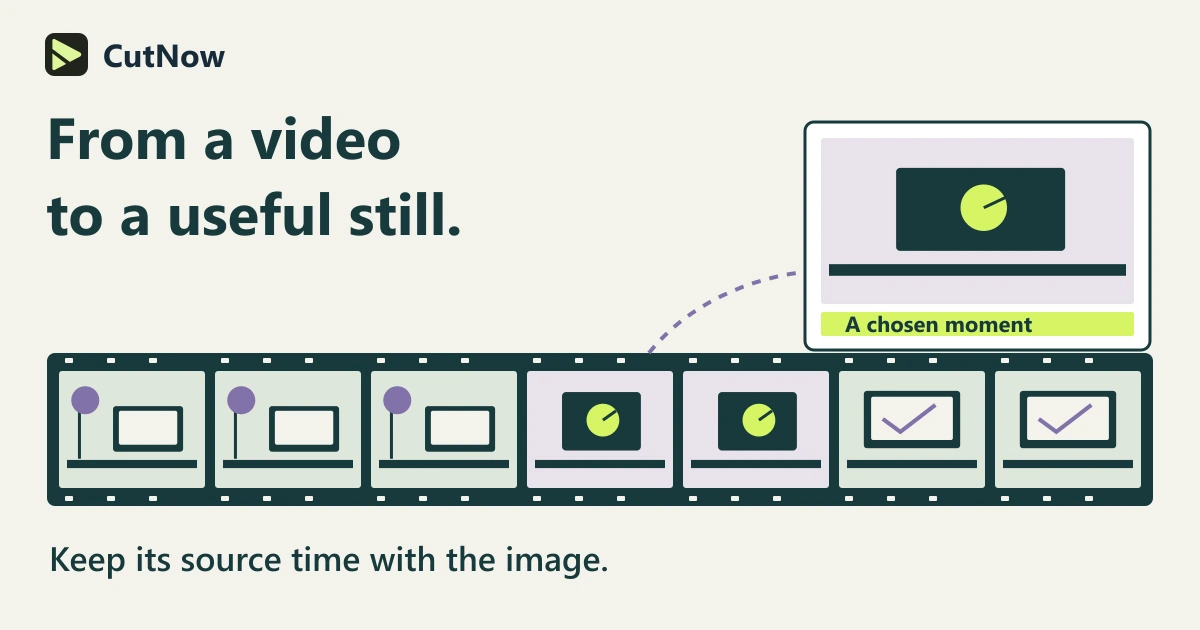
How to extract frames from video and keep them easy to find
Extract one frame or a bounded set of video stills. Choose PNG or JPEG, preserve geometry and color, and keep source-time notes with a clear image handoff.
 Editing workflows
How to Add Background Music to a Video and Keep Dialogue Clear
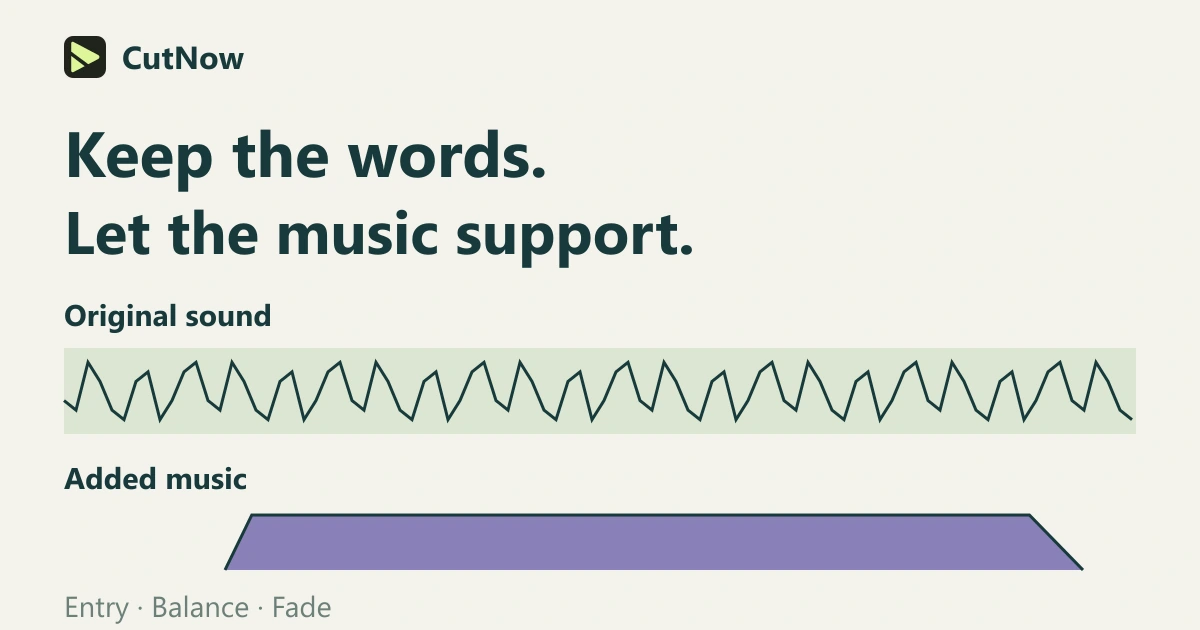
Add authorized music beneath dialogue without shortening the video. Plan entry, fades and loops, follow a complete FFmpeg mix, and check the actual MP4.
 Editing workflows
How to Speed Up or Slow Down a Video and Export the Result
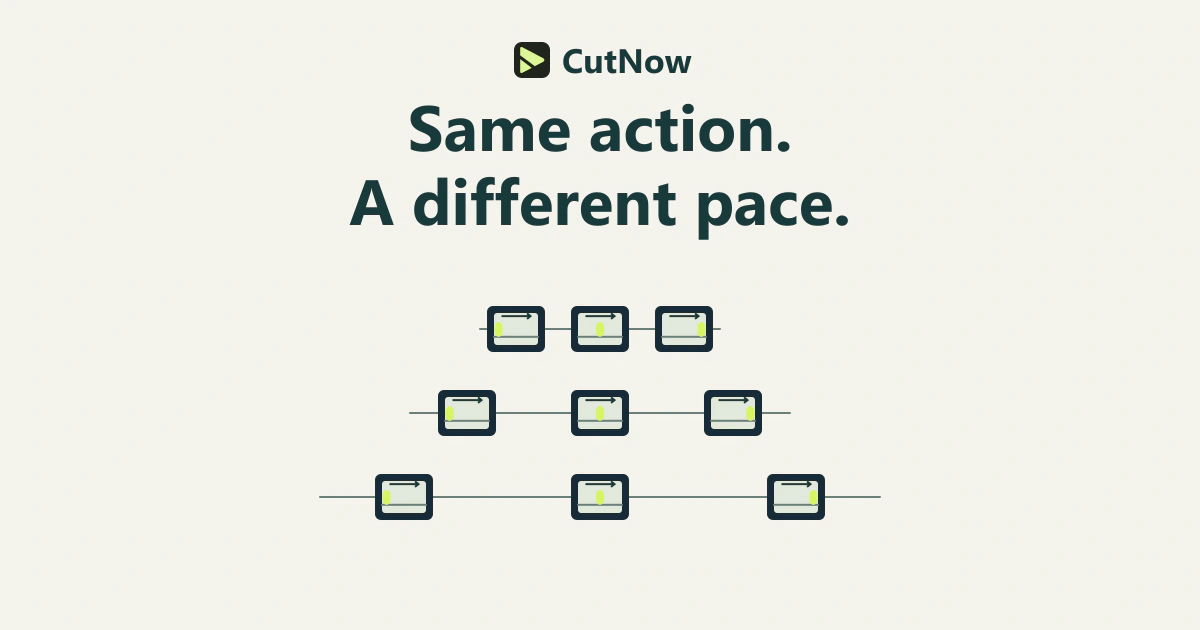
Change a selected video’s speed with FFmpeg: match picture timing and audio tempo, choose a silent export, and check duration, motion, captions and the delivered file.
 Editing workflows
How to Reduce Background Noise in a Video Without Losing the Words
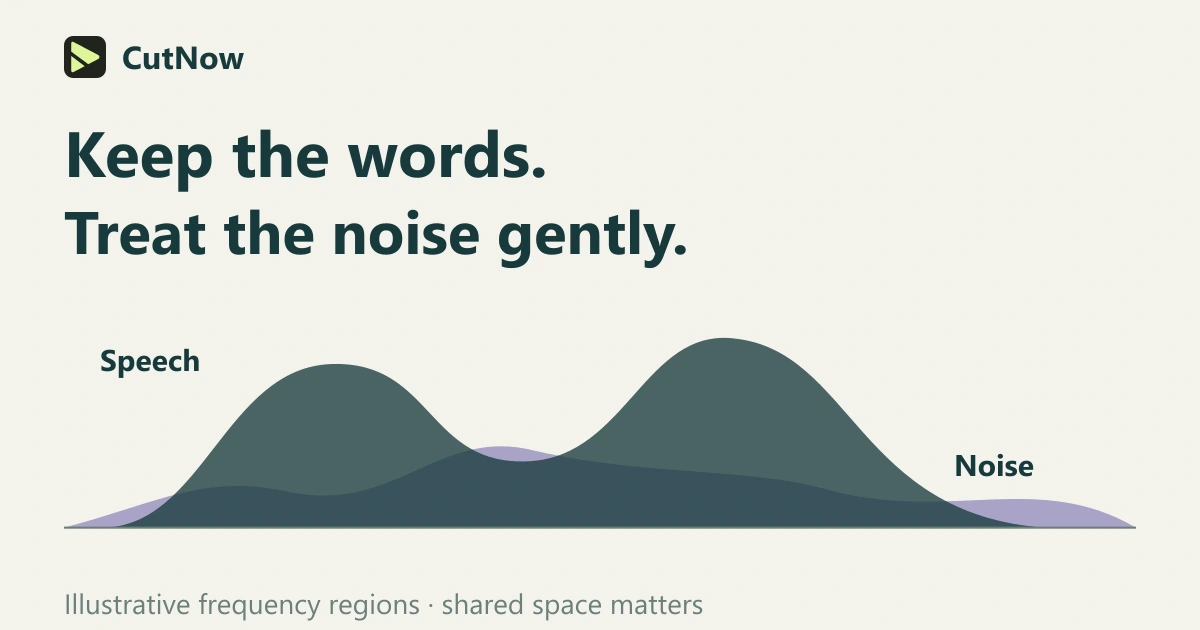
Identify steady noise, audition the same speech window with restrained FFmpeg settings, and check the final video without confusing denoising with source separation.
 Editing workflows
How to remove audio from a video and keep the picture
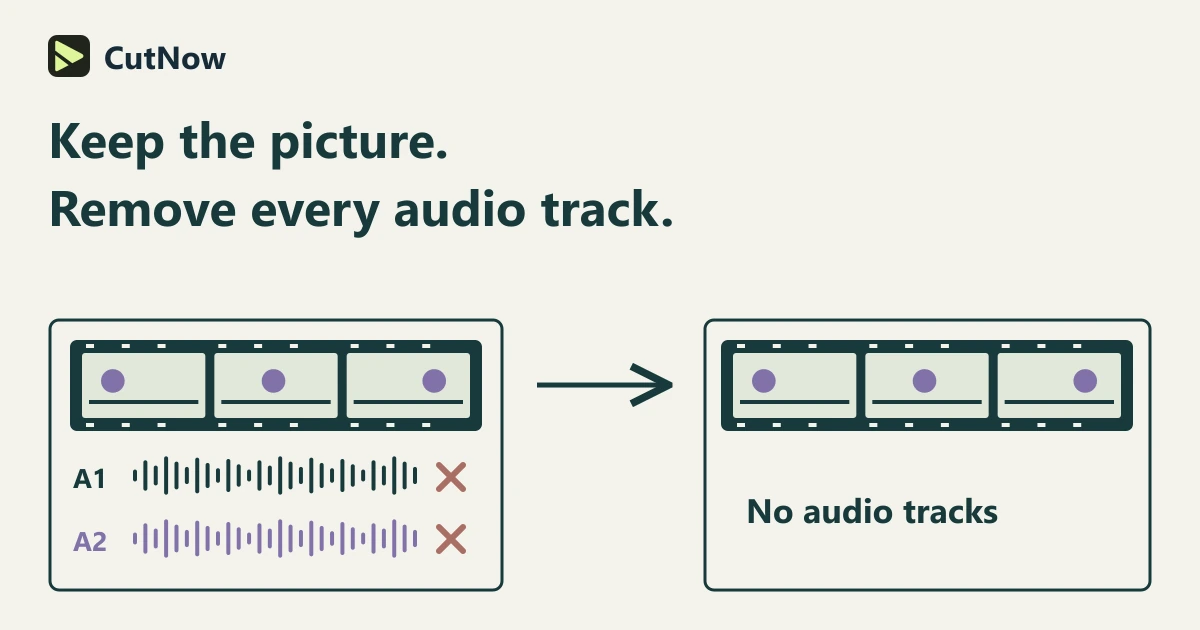
Remove every audio track while keeping the selected video. Choose stream copy or a compatible encode, then inspect the saved file and check picture orientation.
 Editing workflows
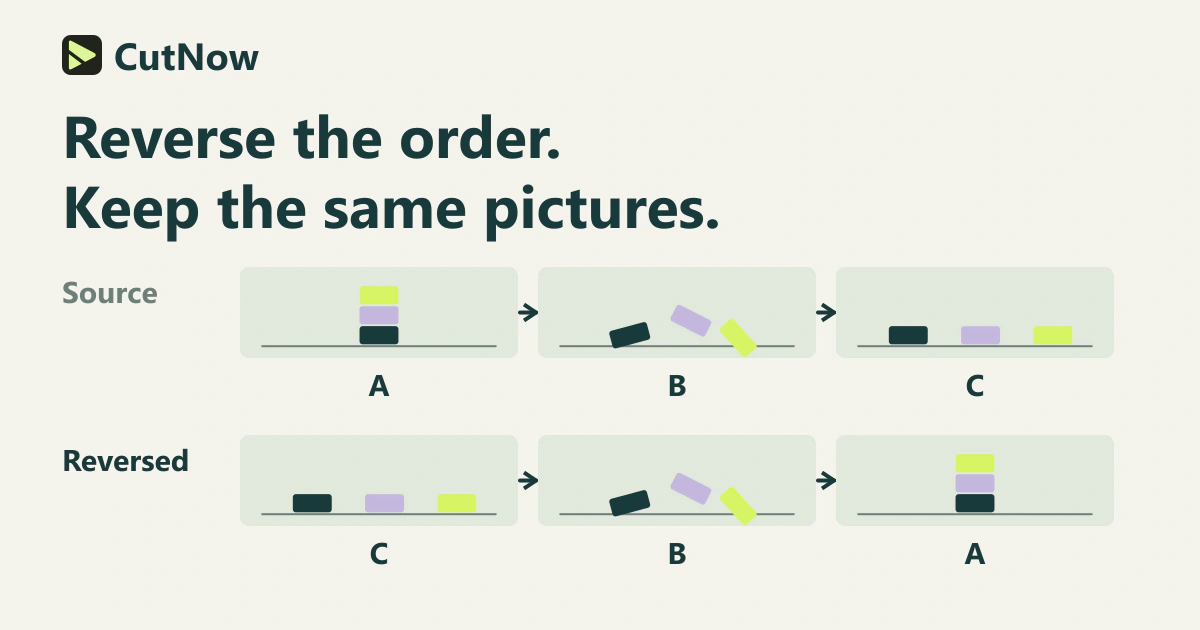
How to Reverse a Video Clip and Choose What Happens to Its Sound
Reverse a selected video passage with FFmpeg. Choose no audio or backwards sound, limit memory use by trimming first, then check picture order, duration and orientation.
 Editing workflows
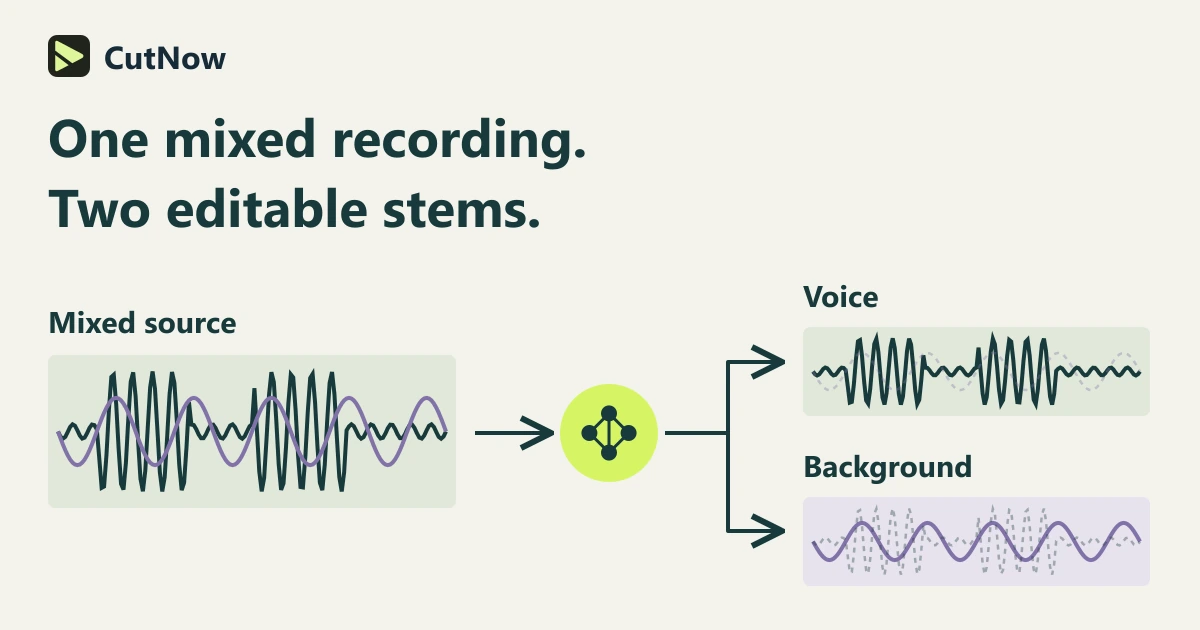
Separate vocals from a video: deliver a voice track and an accompaniment track
Separate voice and accompaniment from authorized mixed video or audio. Follow documented service or local-model methods, listen for residue, and keep the stems aligned.
 Editing workflows
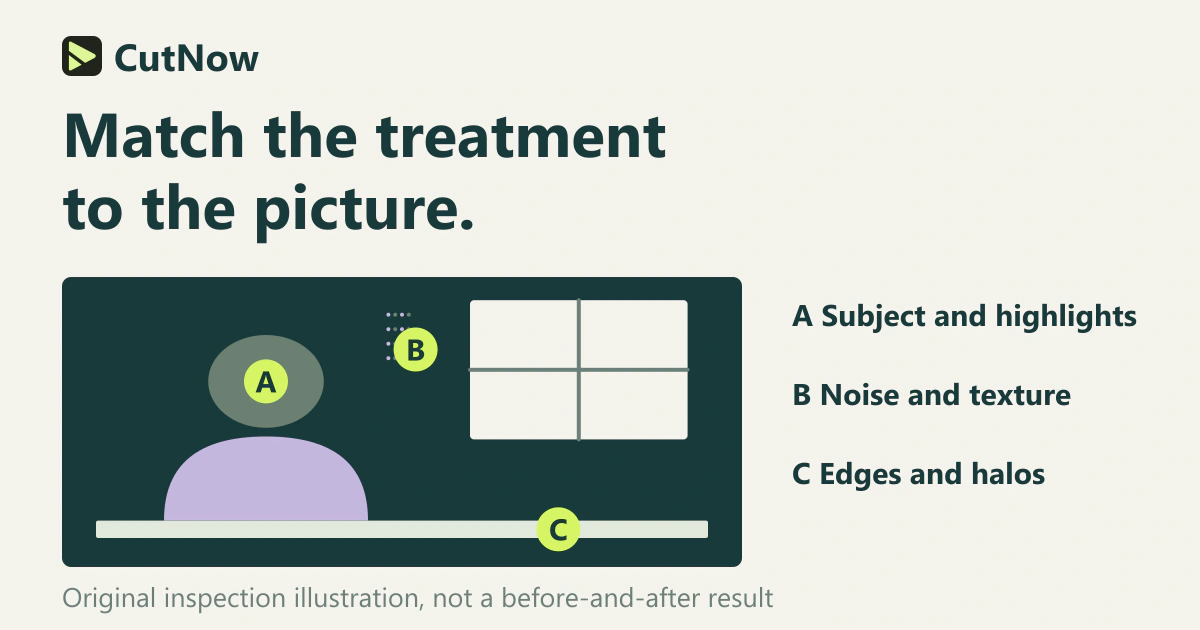
How to Improve Video Quality: Light, Noise, Sharpness and Real Detail
Choose the right SDR video treatment, compare the same source passage with FFmpeg, and separate tonal adjustment, image denoising and sharpening from bigger dimensions.
 Editing workflows
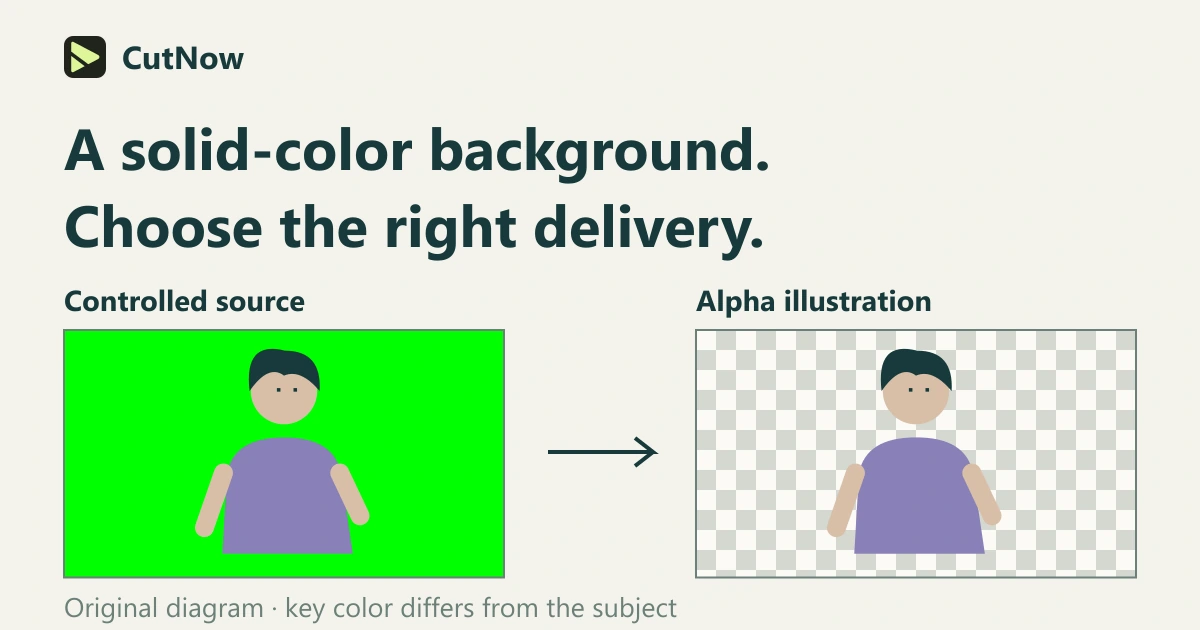
How to Remove a Solid-Color Video Background and Deliver the Result
Key an even solid-color video background with FFmpeg. Inspect moving edges and choose an alpha-capable MOV or a fixed MP4 composite with the right sound.
 Editing workflows
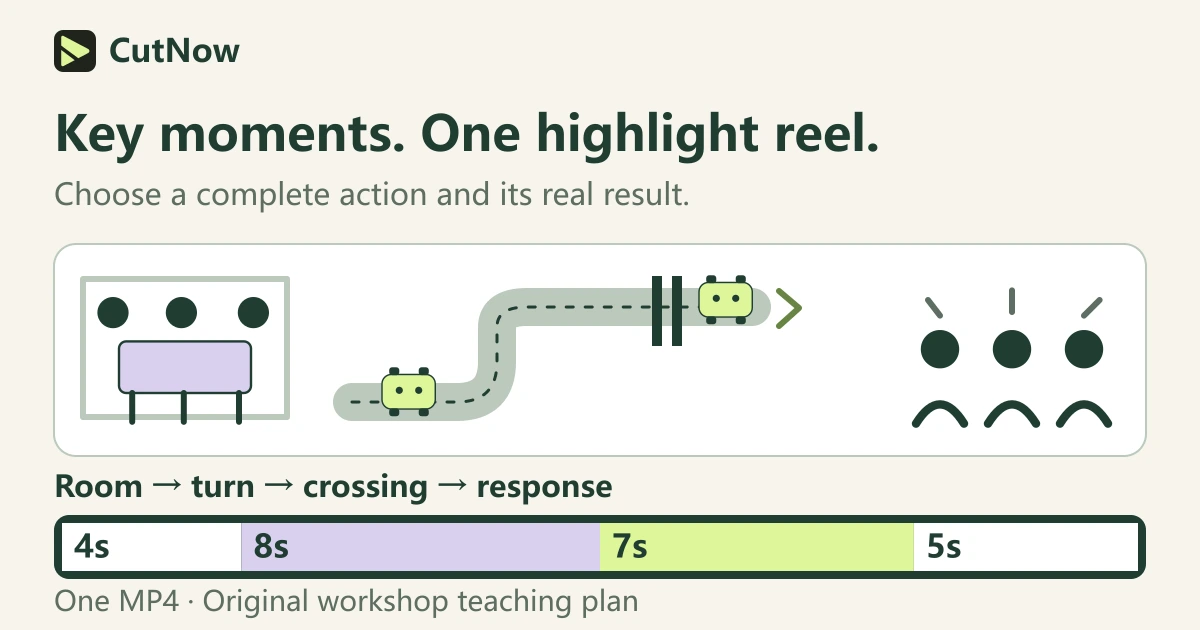
How to make a highlight reel from your own footage
Make one coherent highlight reel from an event or demonstration. Select complete moments, compare repeated attempts, map source times and check the final MP4.
 Subtitle translation
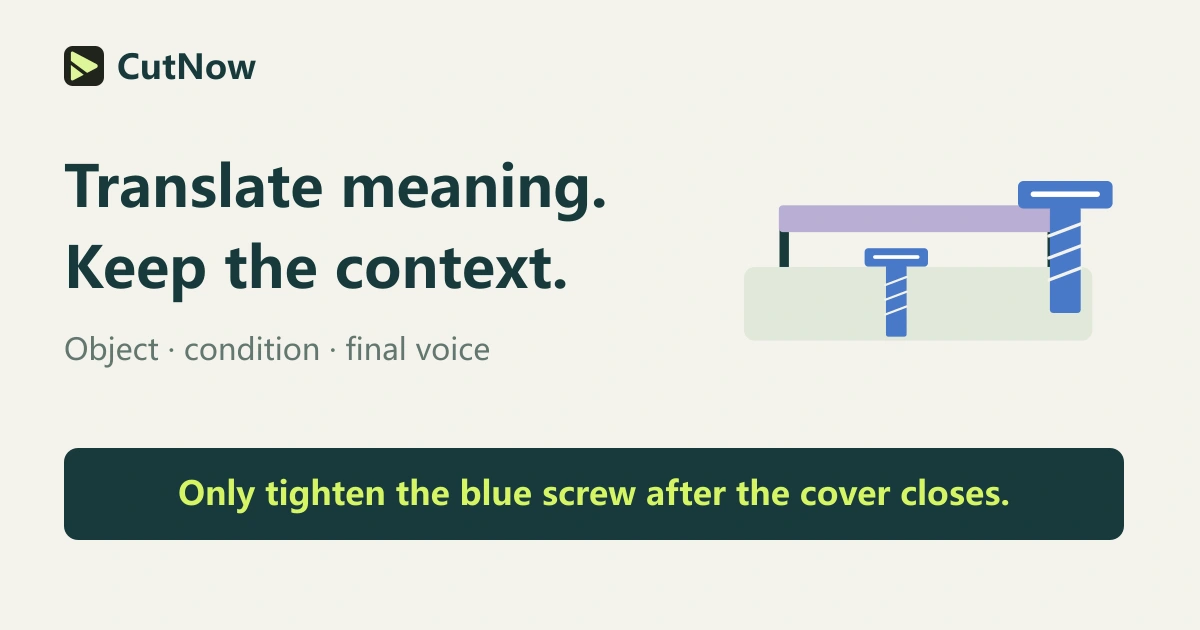
How to translate subtitles with video context
Translate subtitles against the video: preserve names, numbers, action references and conditions, then align the SRT with the final voice and matching video.
 Media delivery
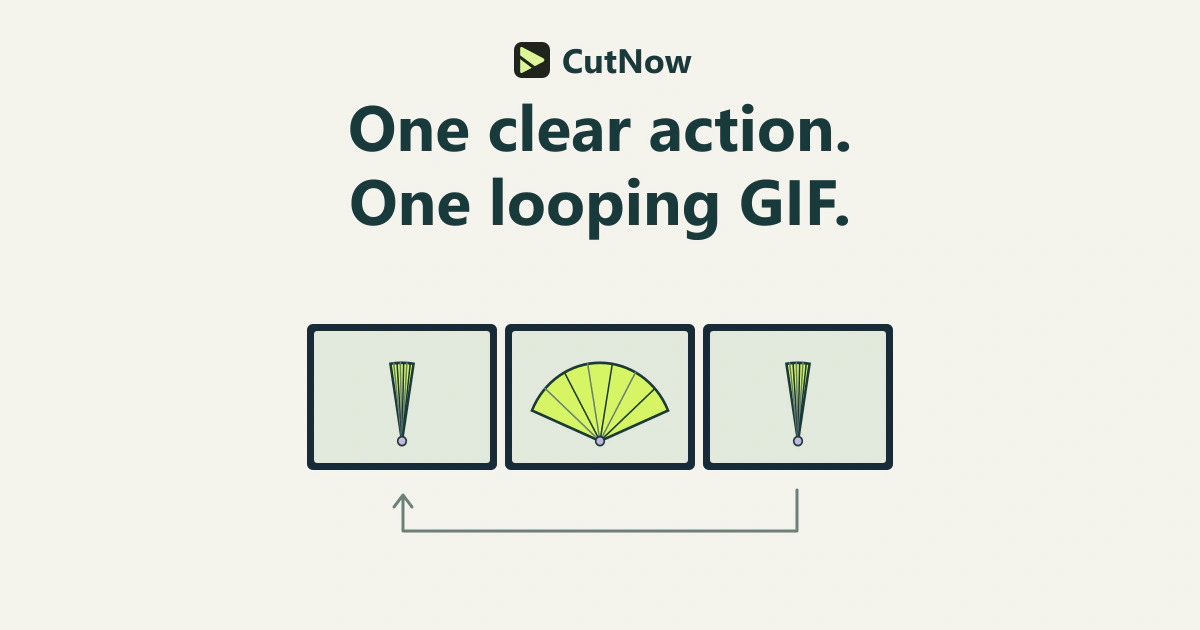
How to Convert a Video to a Clear, Looping GIF
Convert a selected video action to GIF with FFmpeg. Choose the interval, width, fps and palette, then check loop joins, file size, colors and playback.
 Media delivery
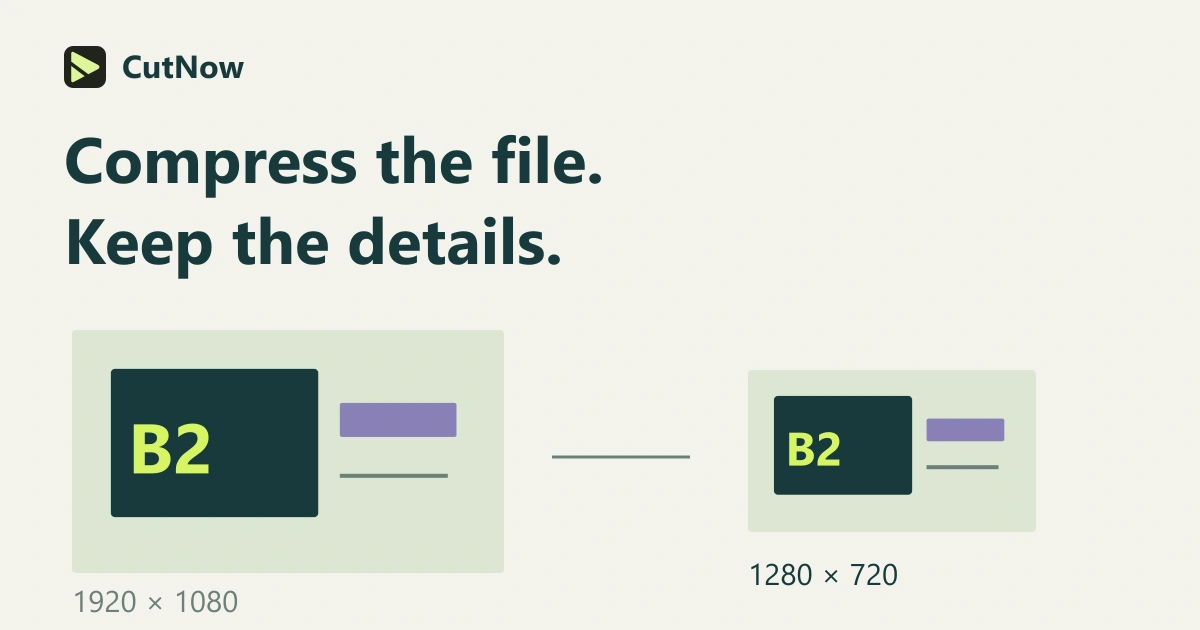
How to Compress a Video for Upload Without Losing the Point
Reduce a finished video file for upload with quality or bitrate settings. Use an FFmpeg example, calculate a size budget, and check text, motion, audio and subtitles.
 Media delivery
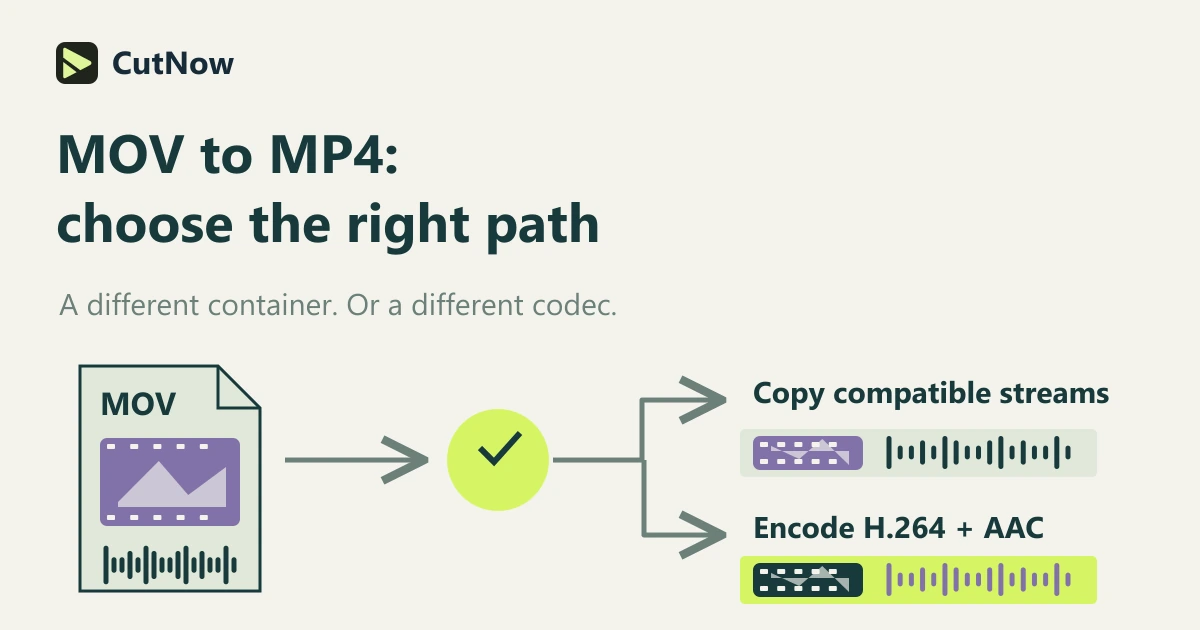
How to convert MOV to MP4 for a reliable video handoff
Convert MOV to MP4 by inspecting codecs, choosing stream copy or H.264/AAC SDR encoding, then checking audio, orientation and color at the destination.
 Narrated video
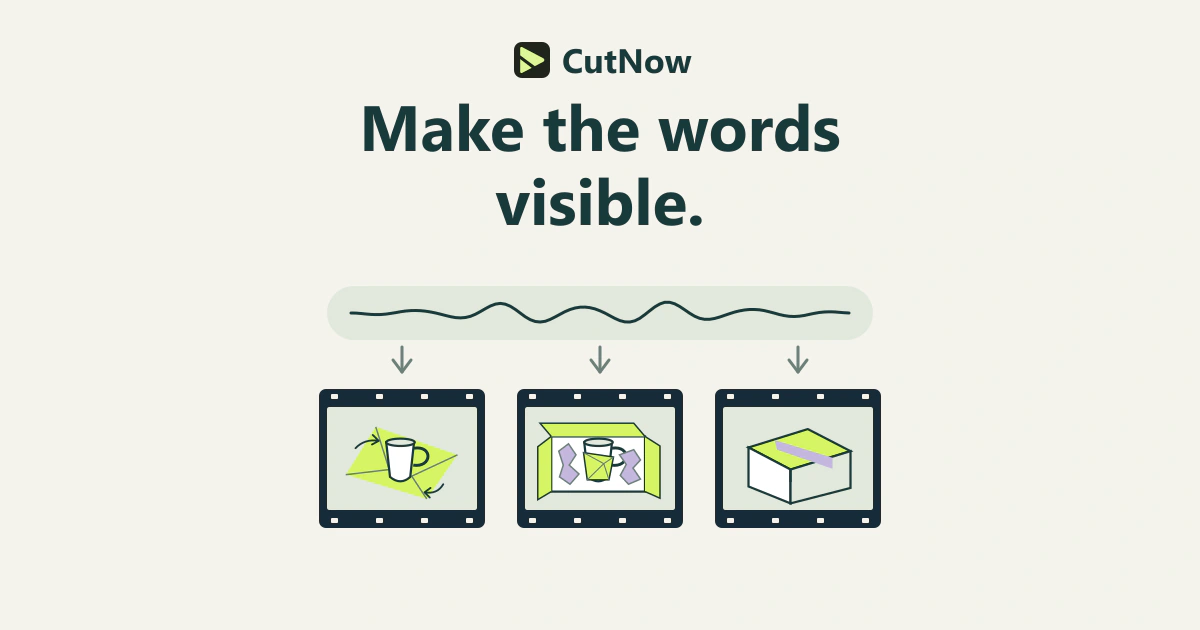
How to Use B-Roll to Make a Narrated Video Clear
Match existing B-roll to what your narration says. Use the object, action and visible state to shape a clear picture-and-commentary first cut with CutNow.
 Long video to shorts
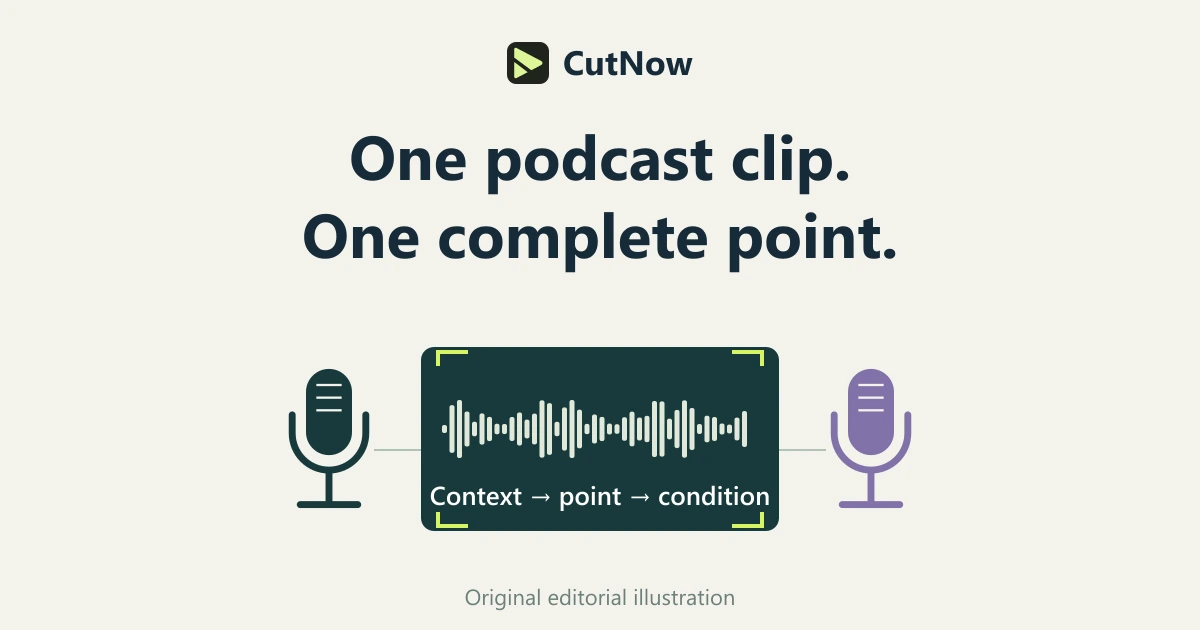
How to Make Podcast Clips That Make Sense on Their Own
Make a podcast clip around one complete answer. Keep the host question, speaker context and necessary conditions while CutNow finds passages and builds initial clips.
 Raw footage editing
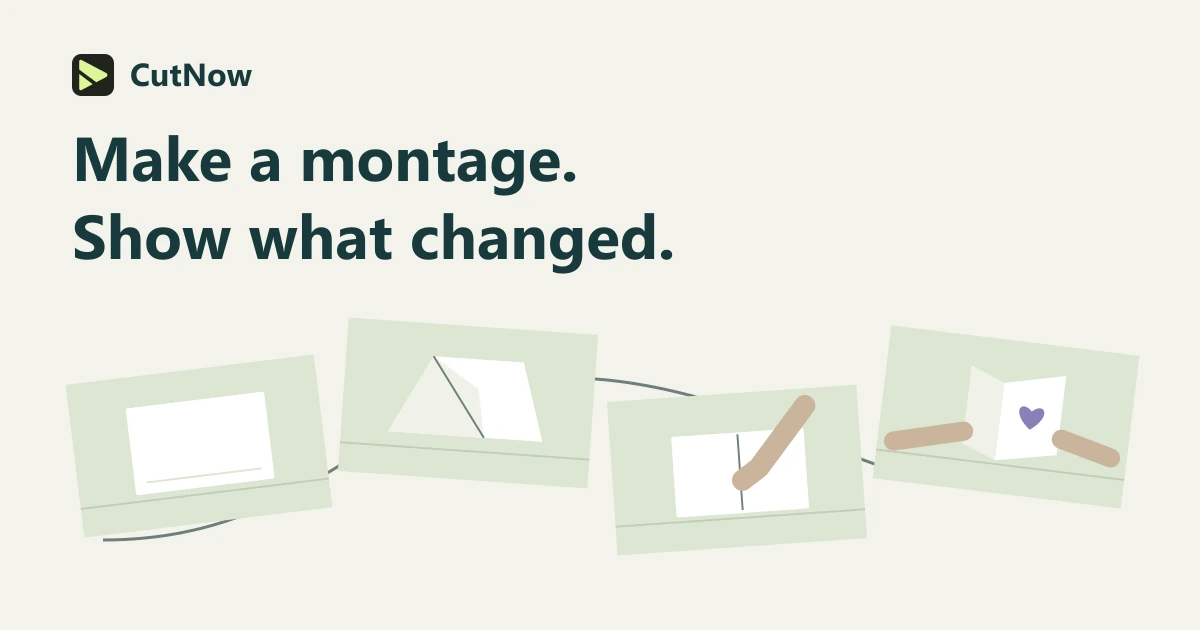
How to Make a Video Montage That Shows a Complete Story
Make a montage from your own footage: give CutNow a story brief, choose moments that explain the change and keep useful original sound in one coherent first cut.
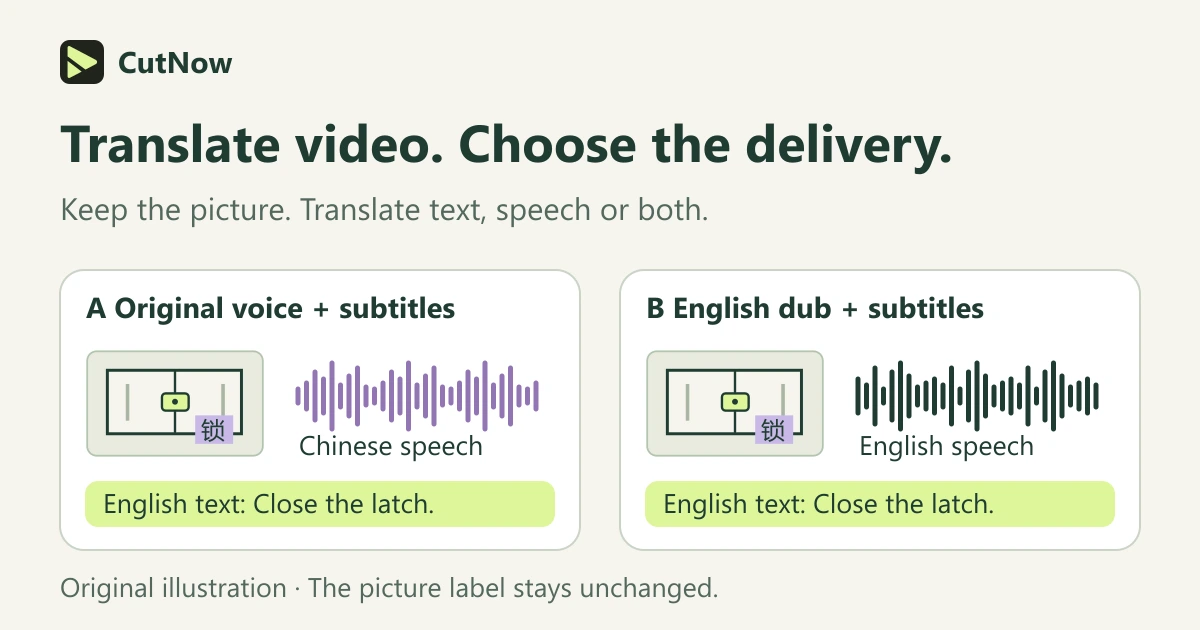 Video localization
How to translate a video with subtitles or dubbing
Choose translated subtitles, a target-language dub or both. Prepare a video brief, follow the right workflow and deliver matching video, captions and audio.
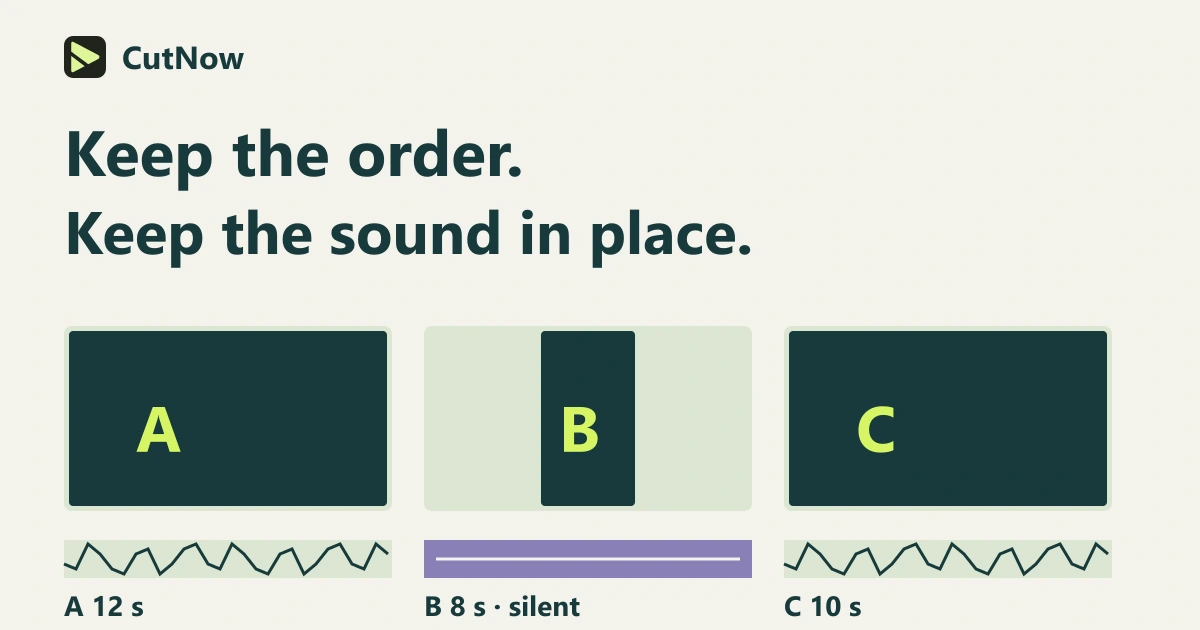 Editing guide
How to Merge Videos in the Order You Choose
Join A–B–C clips in one file. Check mixed dimensions and audio, add silence for a silent clip, and choose a normalized FFmpeg merge or a matching-stream copy.
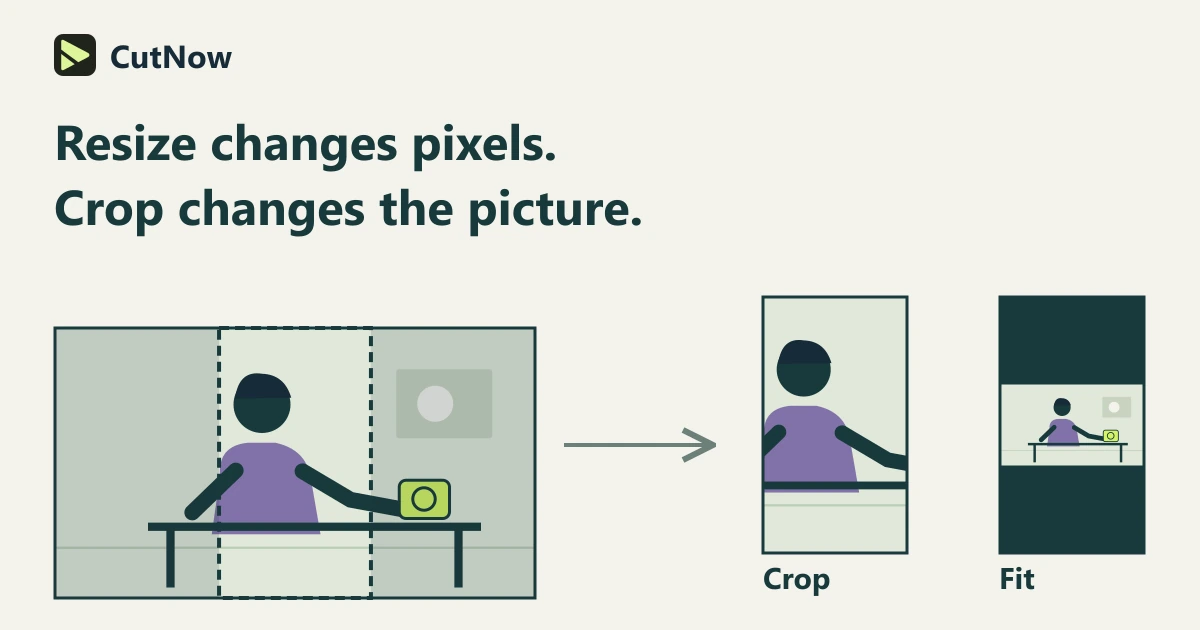 Editing guide
Crop or resize a video: change the frame without stretching the subject
Crop, resize or fit a selected video without stretching the subject. Check rotation and pixel shape, use specific FFmpeg layouts, and protect action and captions.
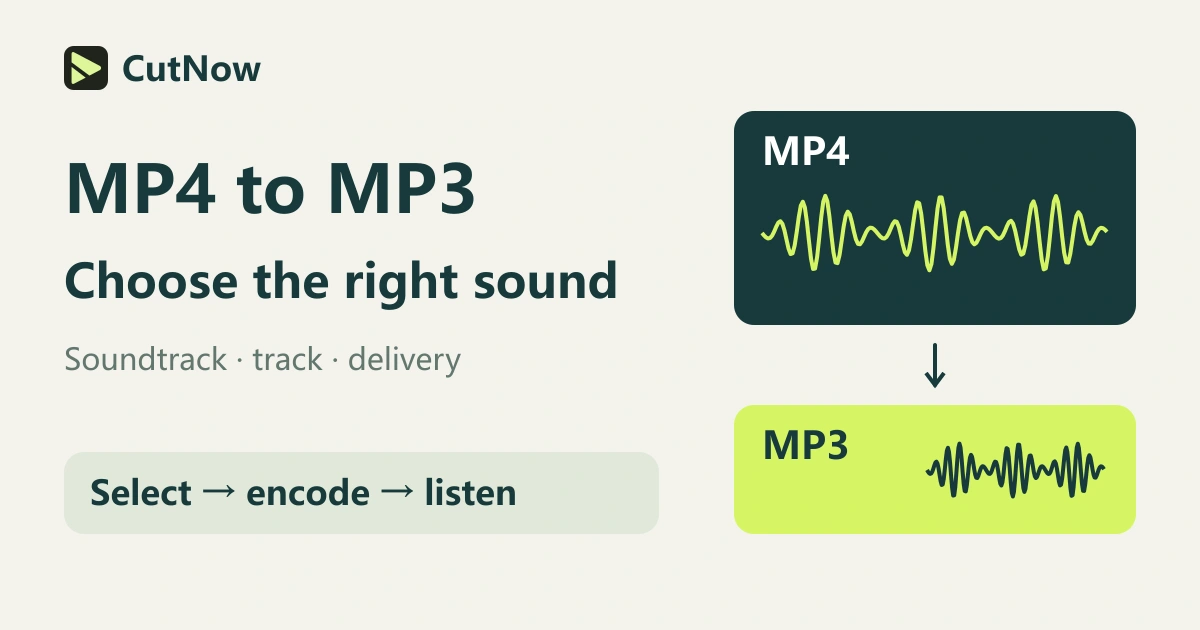 Editing guide
MP4 to MP3: Extract the Right Audio from Your Video
Extract MP4 audio as MP3, PCM WAV, copied AAC in M4A or Vorbis in Ogg. Choose the right track, check encoders and listen before handoff.
 Editing guide
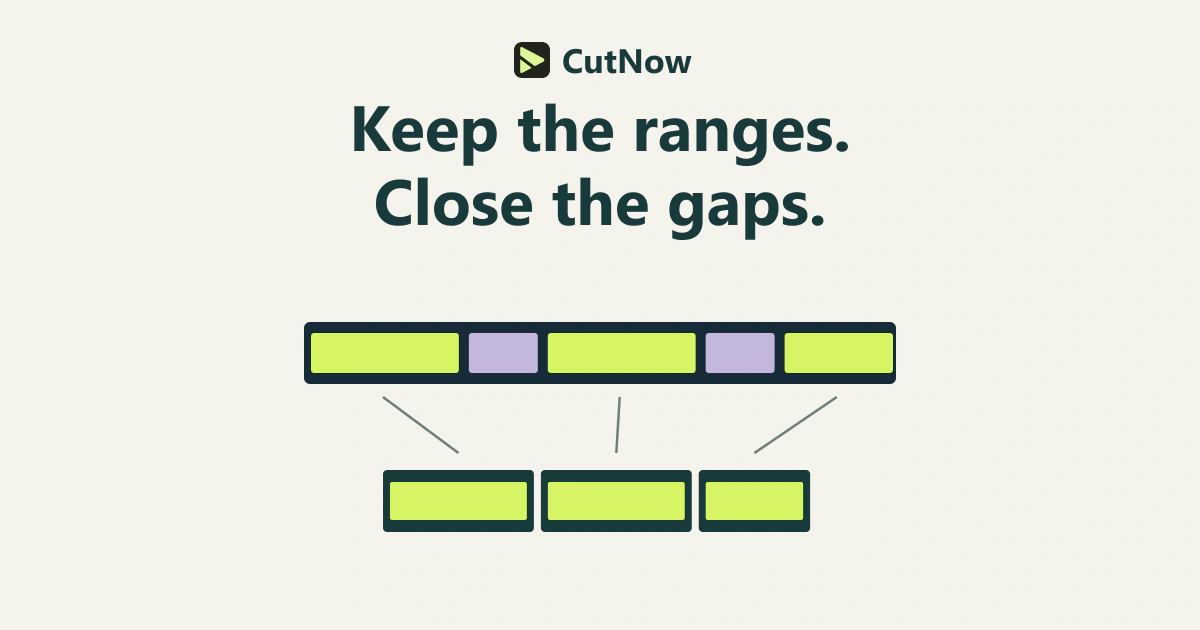
How to Trim or Cut a Video Using Timestamps
Keep one passage, remove a middle mistake or join selected video ranges. Follow timestamp and FFmpeg methods, preserve sound boundaries and check the exported file.
 Editing guide
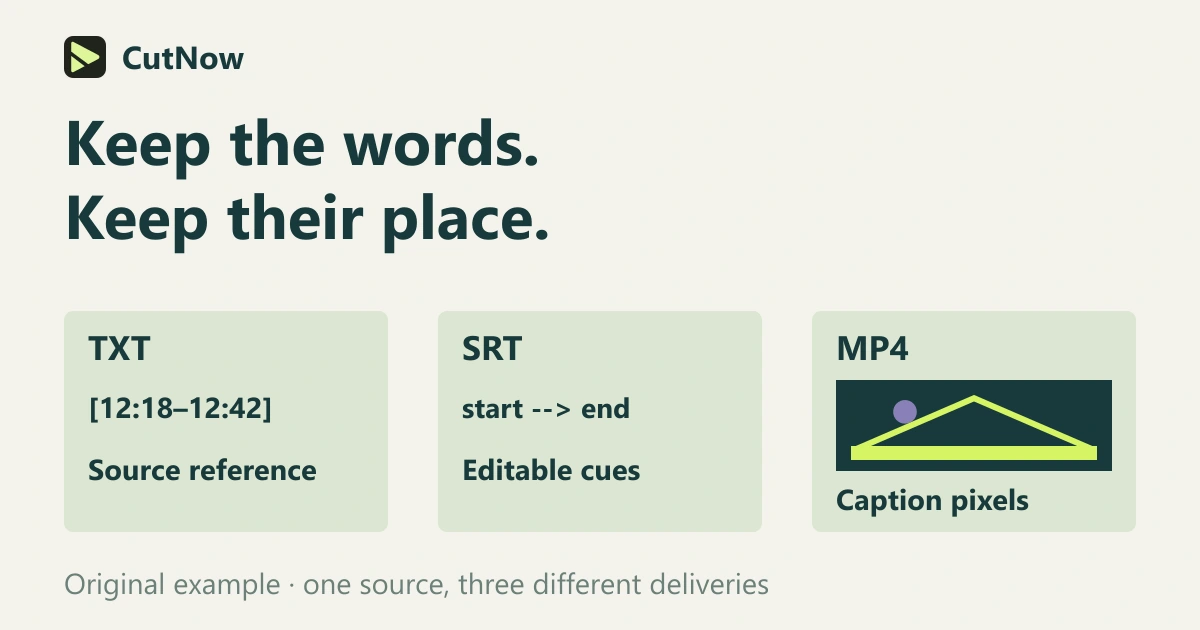
Video to Text with Timestamps: Keep the Transcript and Subtitle Jobs Clear
Transcribe video into checked reading text and an editable timed subtitle file. Keep source IDs, cue timing and the final edit clock distinct; save the matching files.
 Video localization
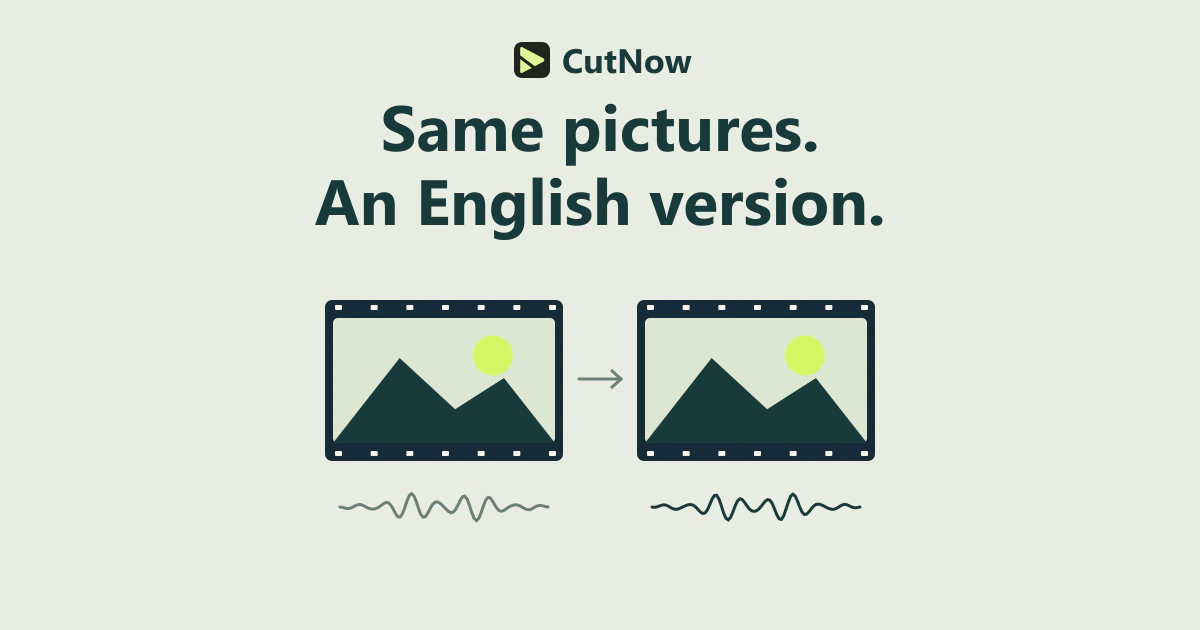
How to Translate a Chinese Video into English: Voiceover, Subtitles and Export
Translate an existing Chinese video into English: prepare the master, review spoken wording and deliver matching video, SRT subtitles and dubbed audio.
 Raw footage editing
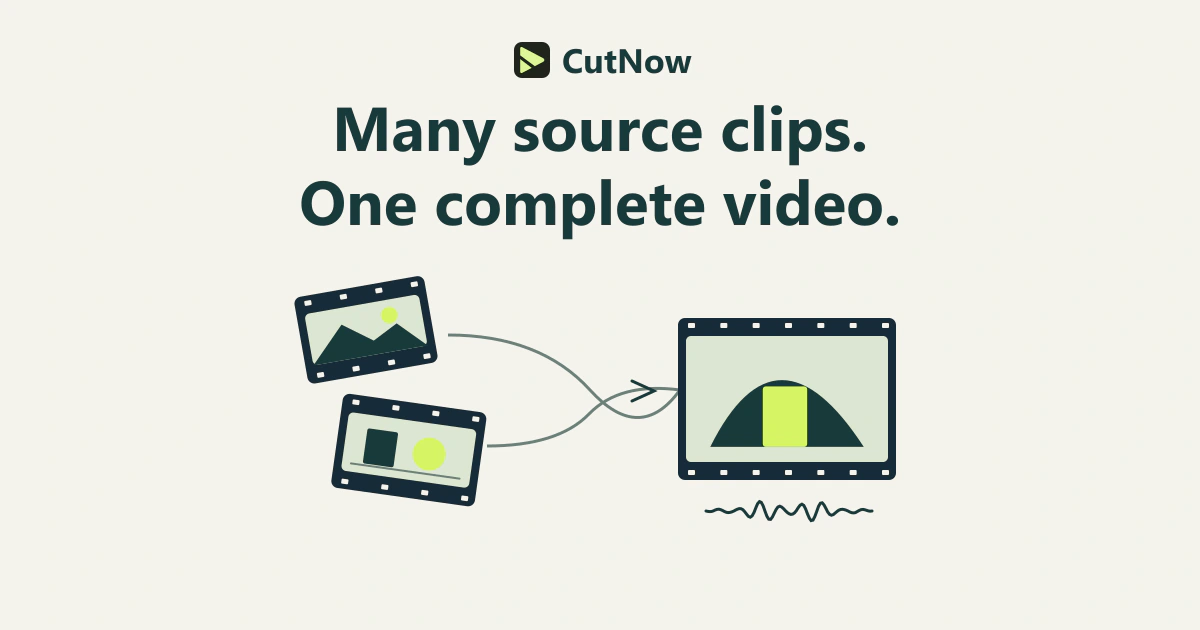
How to Turn a Folder of Raw Clips into One Edited Video
Plan an automatic edit from several raw clips: give CutNow a clear brief, connect usable shots into one sequence, preserve useful location sound and deliver one video.
 Long video to shorts
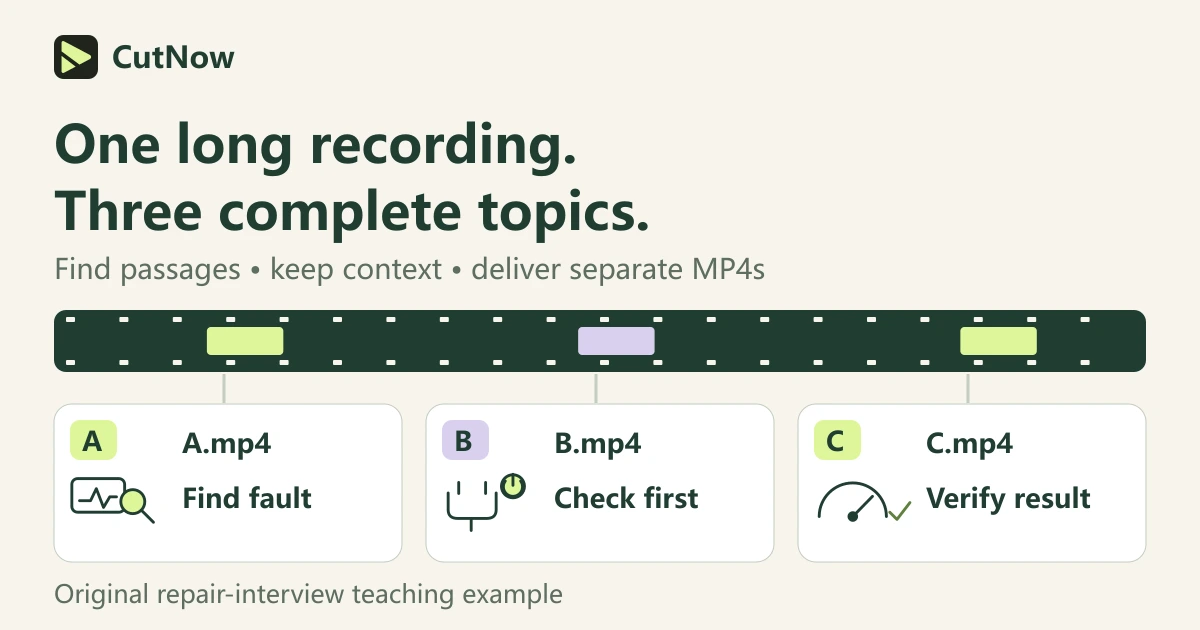
How to Turn a Long Interview into Multiple Short Videos
Turn one long recording into distinct, self-contained short videos. Plan candidate topics, preserve context, trace source times and check each CutNow MP4 delivery.
-
 Editor comparison
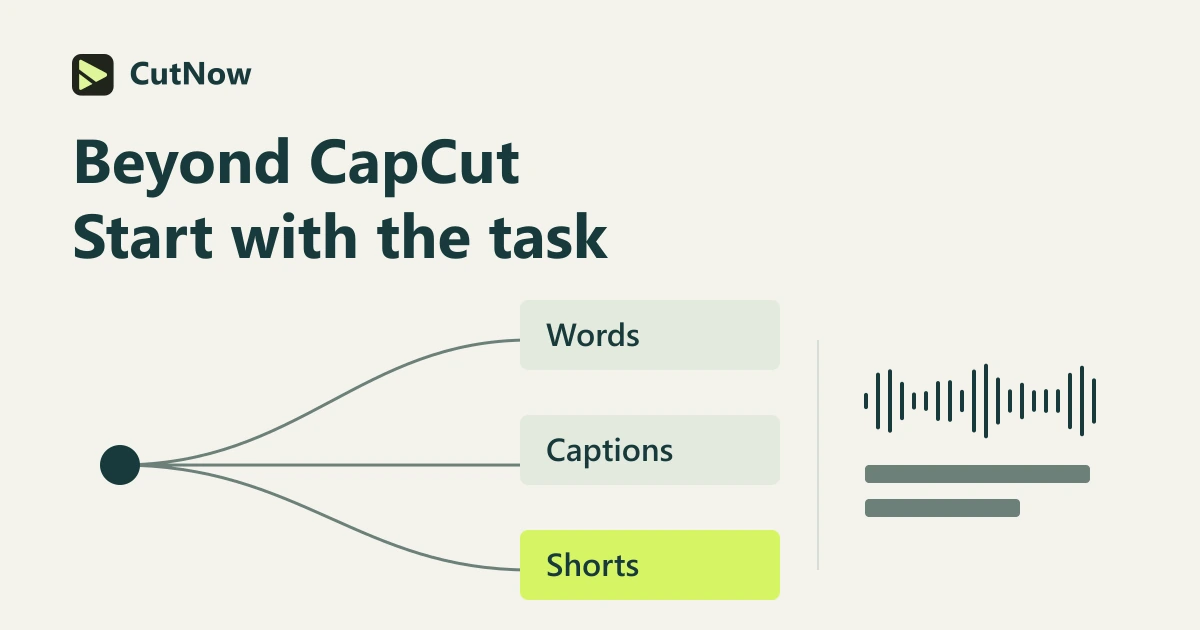
Which CapCut Alternative Fits Your Editing Task?
Choose a CapCut alternative by task: timeline edits, transcript editing, captions, colour and audio, or automatic long-video-to-shorts editing.
-
 YouTube workflow
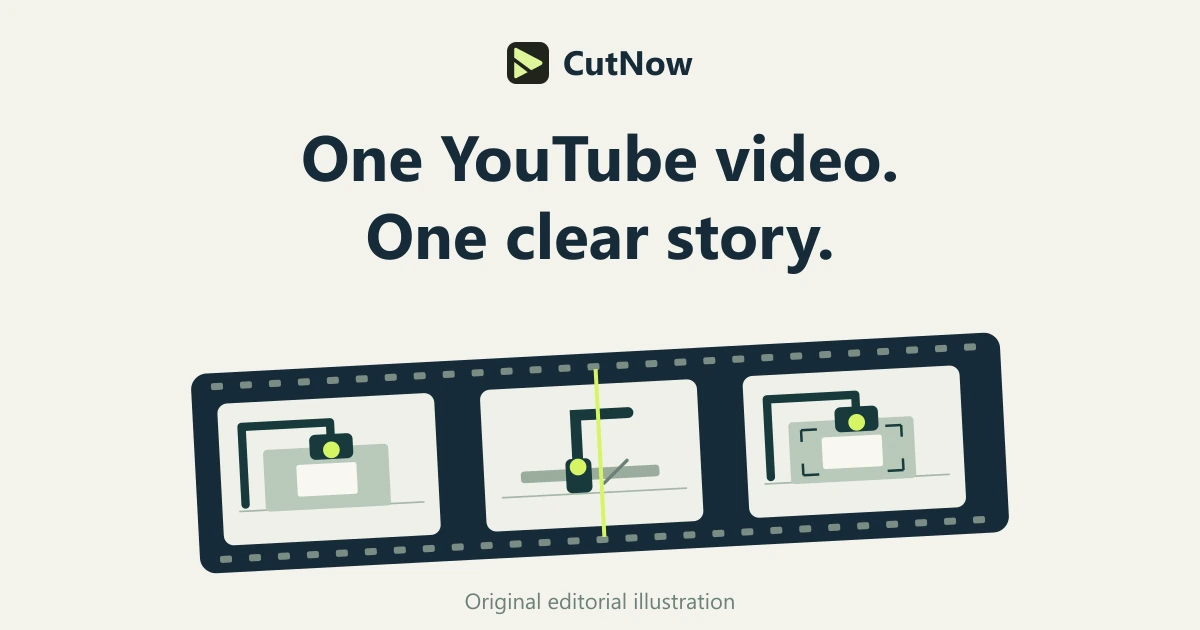
How to Edit YouTube Videos from Footage You Already Have
Edit one complete YouTube video from existing footage: plan the episode, shape an AI first cut, keep sound and captions aligned, and hand off the final version.
-
 Auto captions
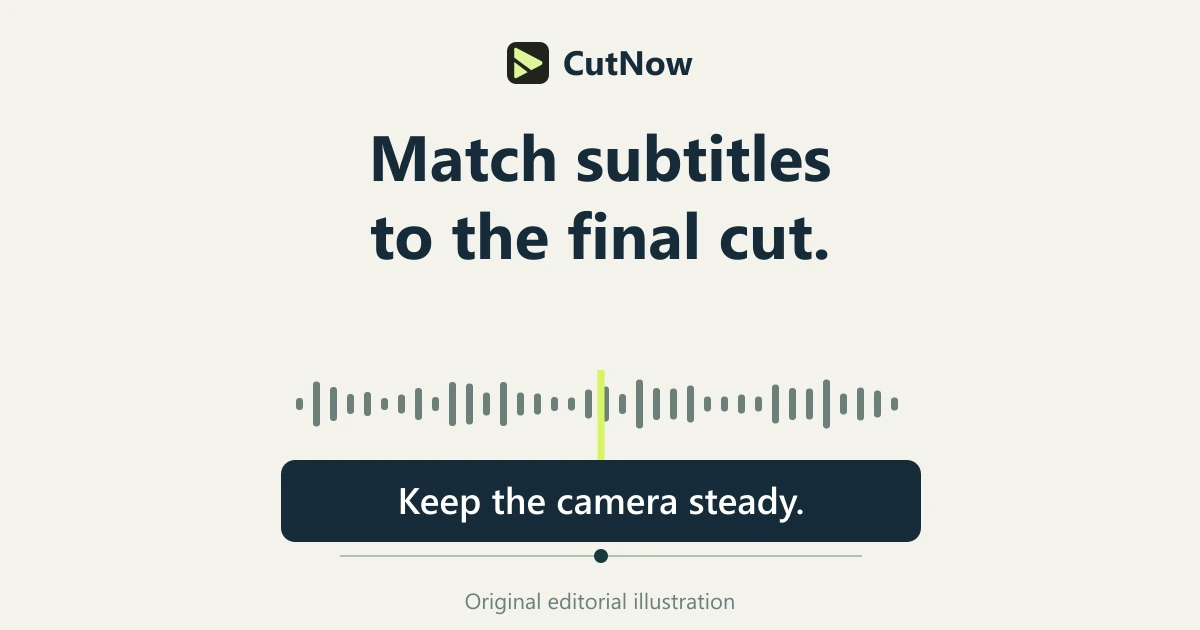
How to Add Subtitles to a Video: Transcribe, Edit and Export
Add subtitles to existing video: choose SRT or visible captions, correct the words, align cue times and export matching video and subtitle files.
-
 Movie recaps
How to Make a Narrated Video Recap from Existing Footage
Make a narrated video recap from existing footage: define the story, connect visible facts with voiceover, and hand off a matching video and captions.
-
 First cut and finishing
AI Video Editor Workflow: From Existing Footage to a Finished Video
Choose an AI editing task for existing footage, review real first-cut deliveries, separate basic tools from AI selection, and hand off files for finishing.
-
 Product demos
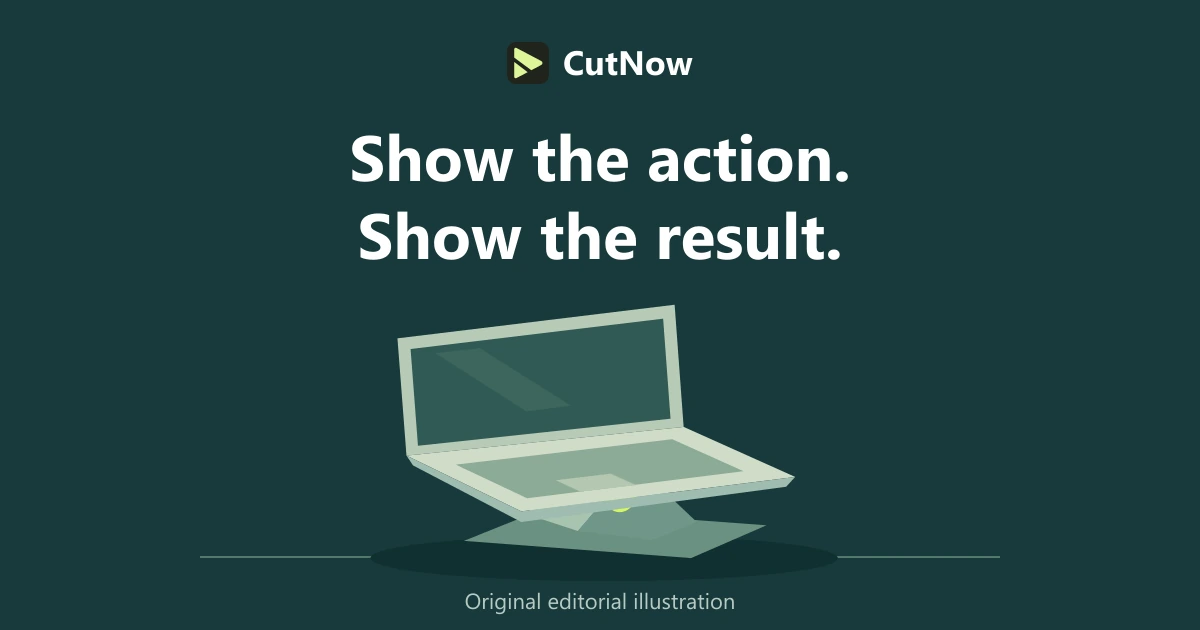
How to Edit a 45-Second Product Demo from Existing Footage
Turn laptop stand footage into a 45-second product demo. Choose the shots viewers need, then align narration and captions with the action.
-
 Edited video example
How Lawsuits Can Silence People
Watch the published panel discussion excerpt and check its source and license.
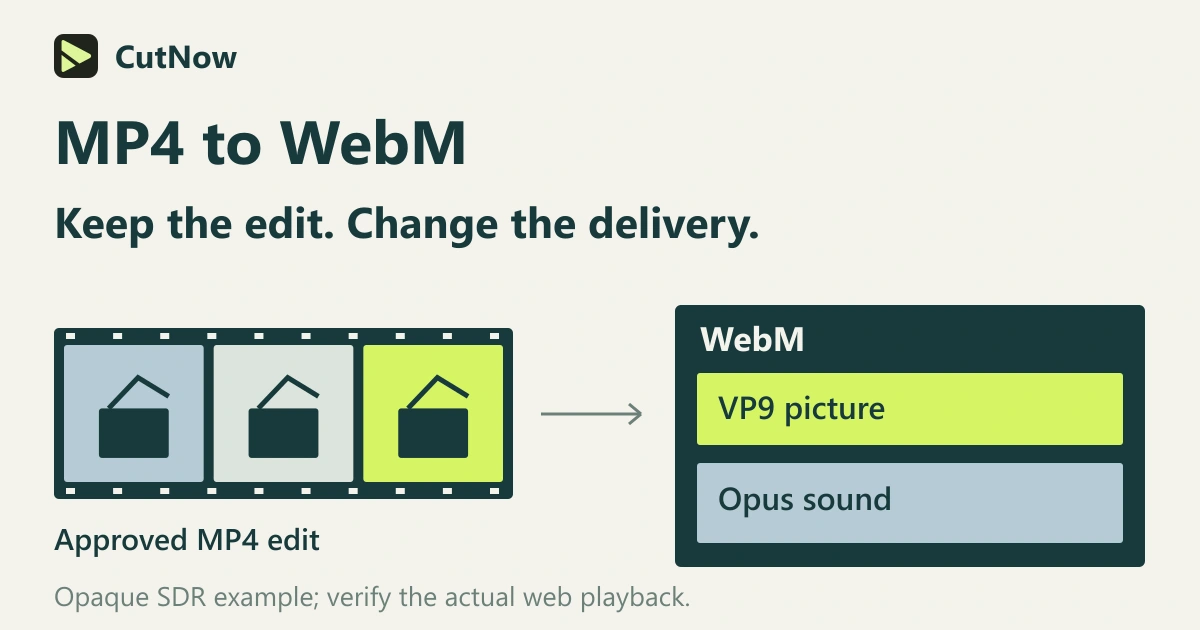
How to convert MP4 to WebM for a website
Convert an MP4 to an opaque SDR WebM with VP9 and Opus. Choose audio, handle silent clips, check VP8 alternatives, alpha limits and actual browser playback.
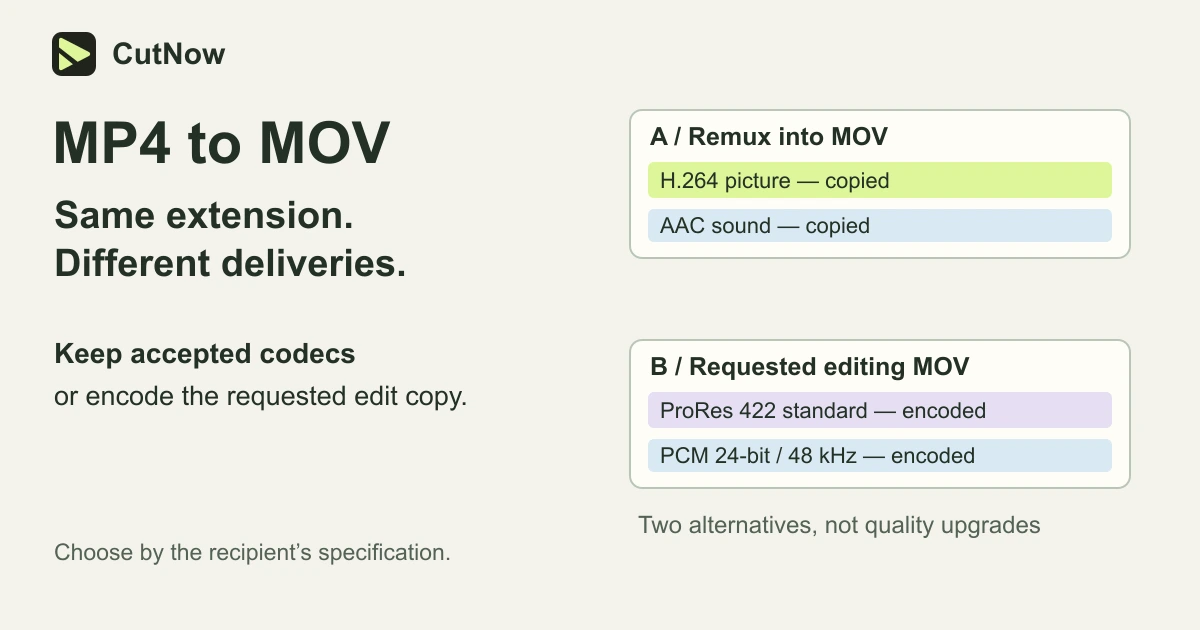
Convert MP4 to MOV for an editing handoff
Convert MP4 to MOV by checking the recipient’s codecs, choosing stream copy or a specified ProRes/PCM editing copy, then verifying tracks, color and orientation.
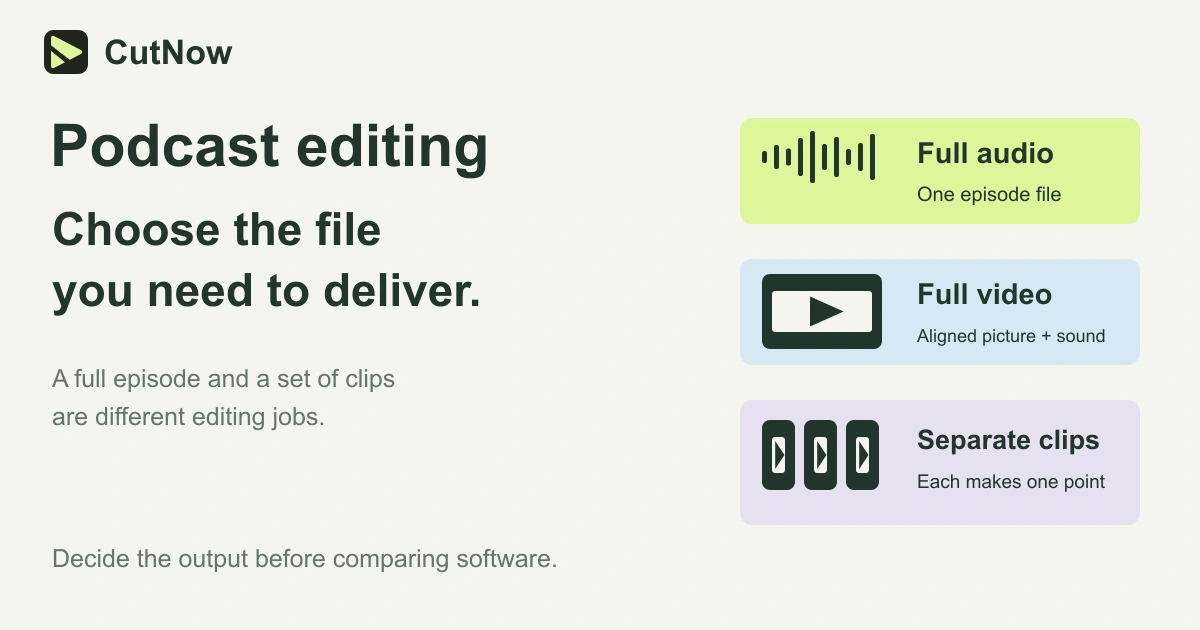
Choose podcast editing software for a full episode or short clips
Choose a podcast editing workflow by your audio, video or clip delivery. Follow Audacity 4 full-episode export steps and keep grouped video edits aligned.
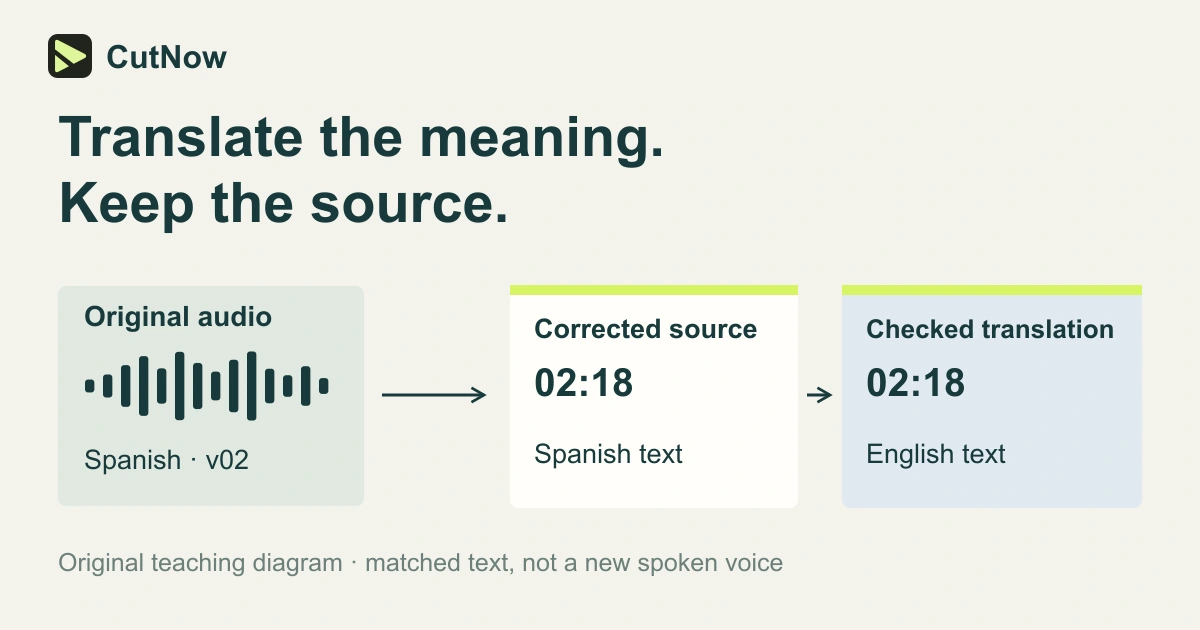
Translate an Audio File into Text in Another Language
Translate a recorded audio file into checked reading text. Correct the source transcript, preserve names and conditions, then export matching language versions.
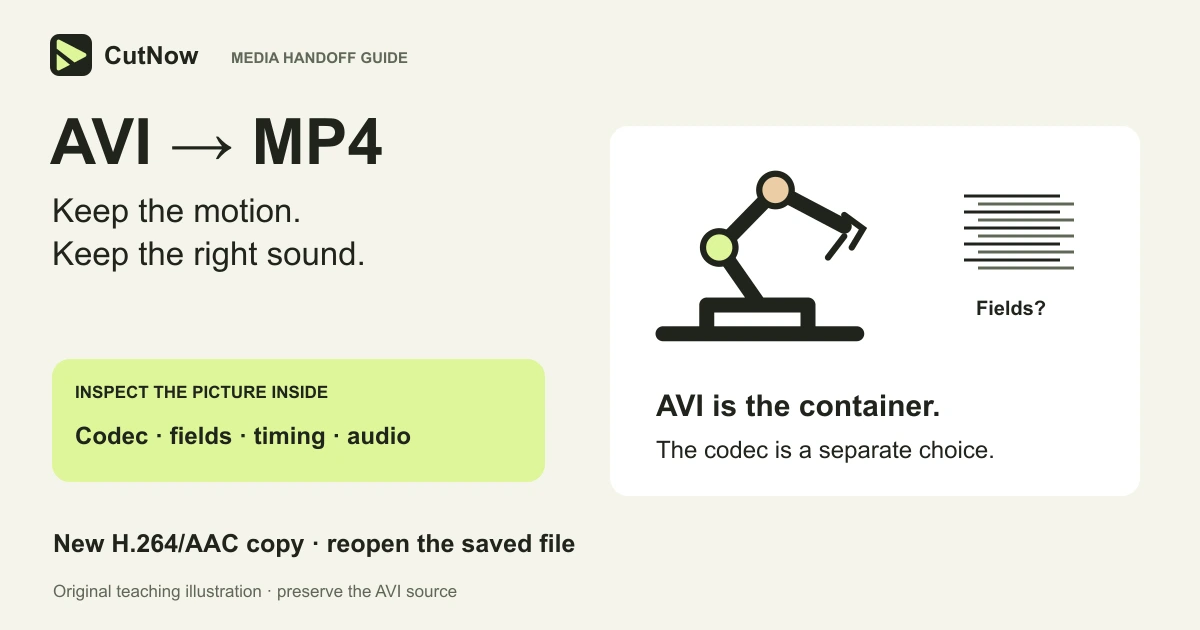
Convert AVI to MP4 without losing the right picture, timing or sound
Convert an old AVI into a checked H.264/AAC MP4 copy. Inspect legacy codecs, interlacing, frame timing, pixel aspect and the right sound before delivery.
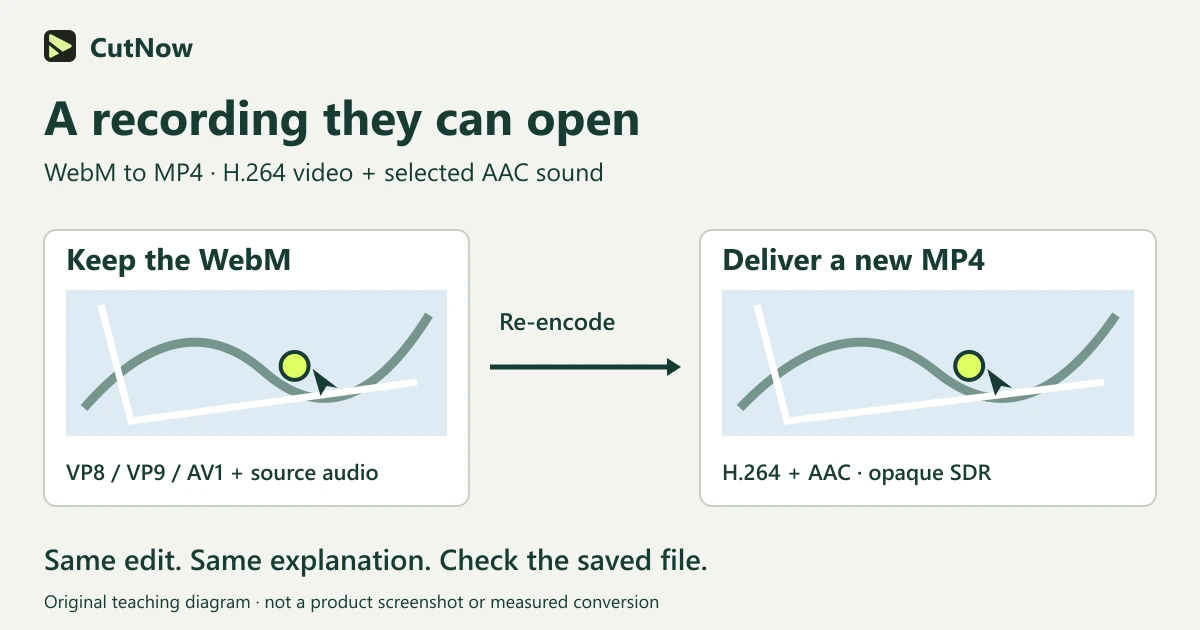
Convert WebM to MP4 for a browser-recording handoff
Turn an opaque SDR WebM recording into a new H.264/AAC MP4 with FFmpeg. Check source codecs, audio selection, even dimensions and the saved file.
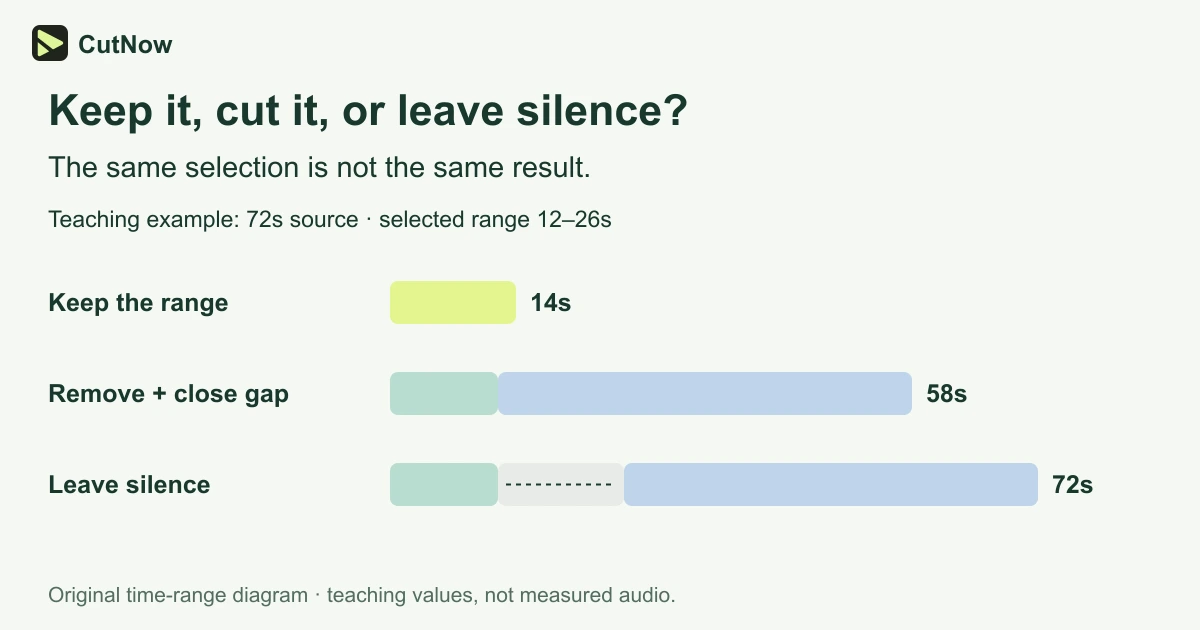
Trim an audio file: keep a passage or remove a section
Choose keep, remove-and-close or silence for a known audio range. Follow complete GUI steps, preserve the intended channels and verify the saved MP3.
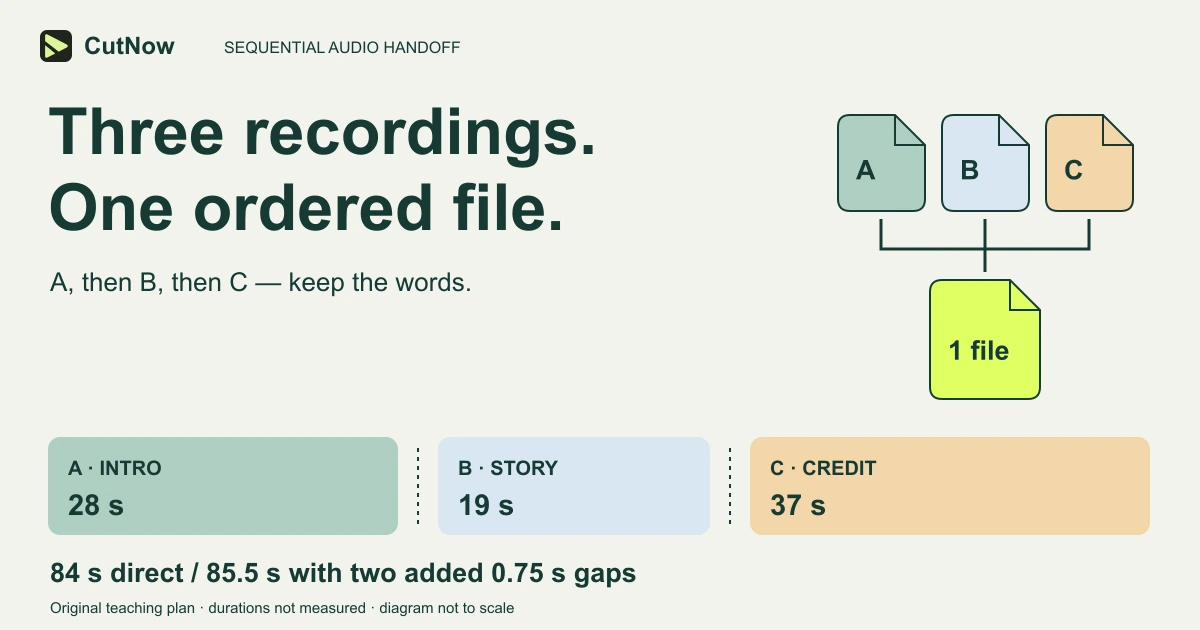
Merge Audio Files in Order: Keep the Words and Choose the Gaps
Join approved audio clips A–B–C into one file. Follow a browser workflow or make a WAV master with explicit gaps, then check complete words and the saved export.
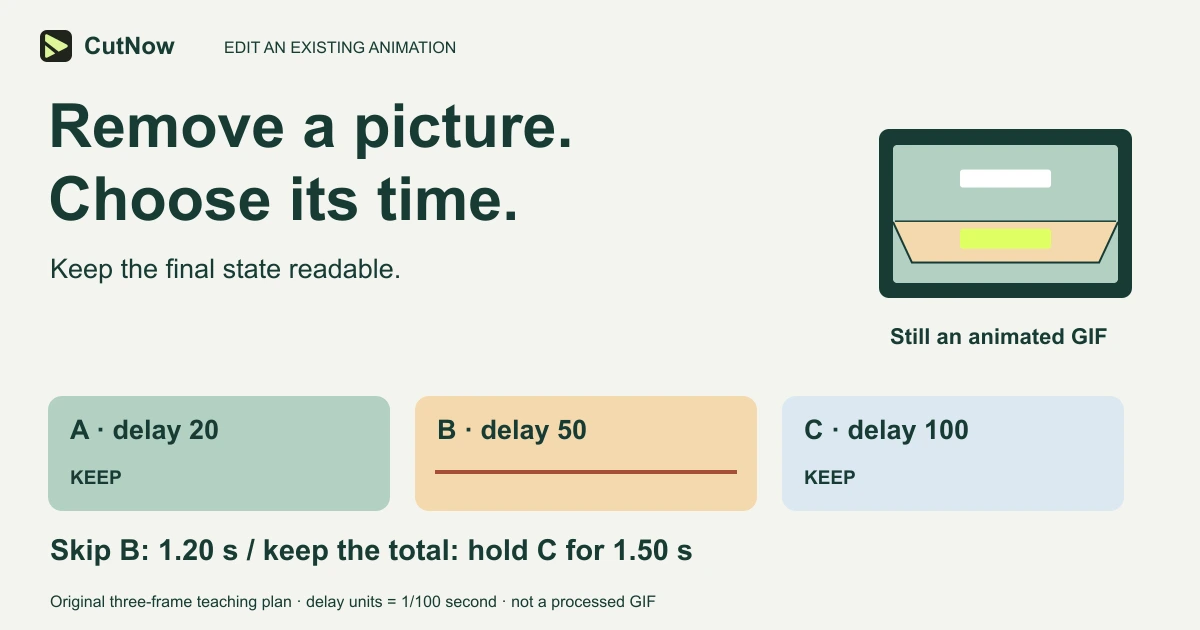
Edit an Animated GIF: Choose Frames, Keep the Right Pauses, Save the Animation
Edit an existing GIF’s frames and individual delays, handle dependent frames, choose the loop and save another animation. Complete steps and saved-file checks.
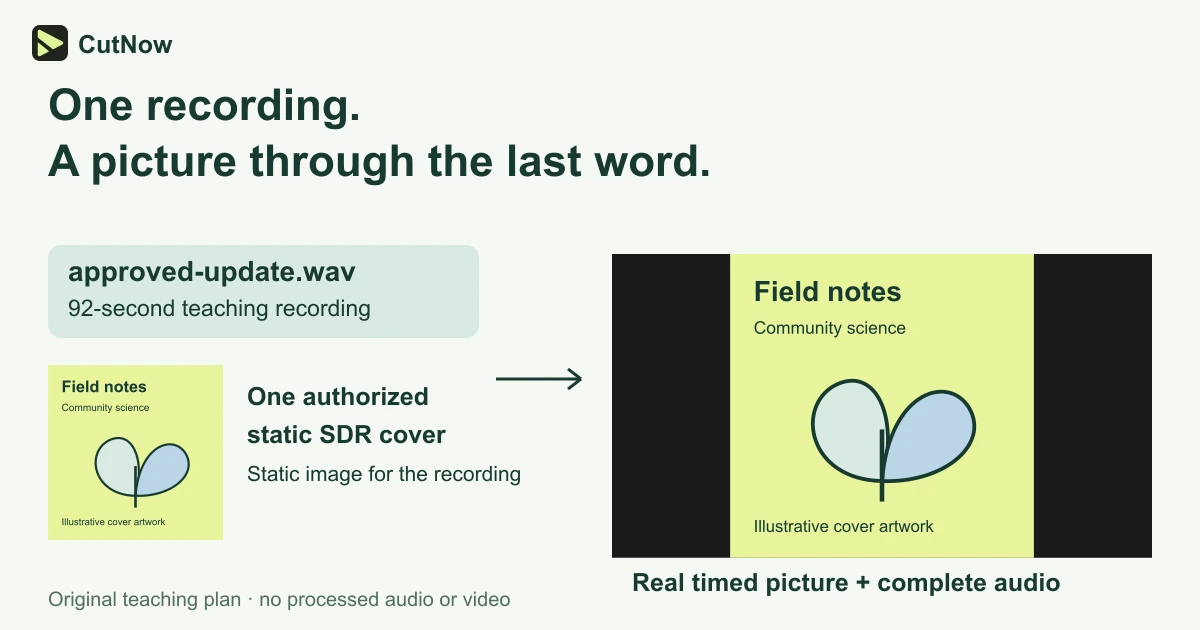
Turn audio and an image into video without losing the ending
Make a full-recording MP4 with a static cover: choose Default duration, fit the artwork without stretching, and check the picture through the last audible word.
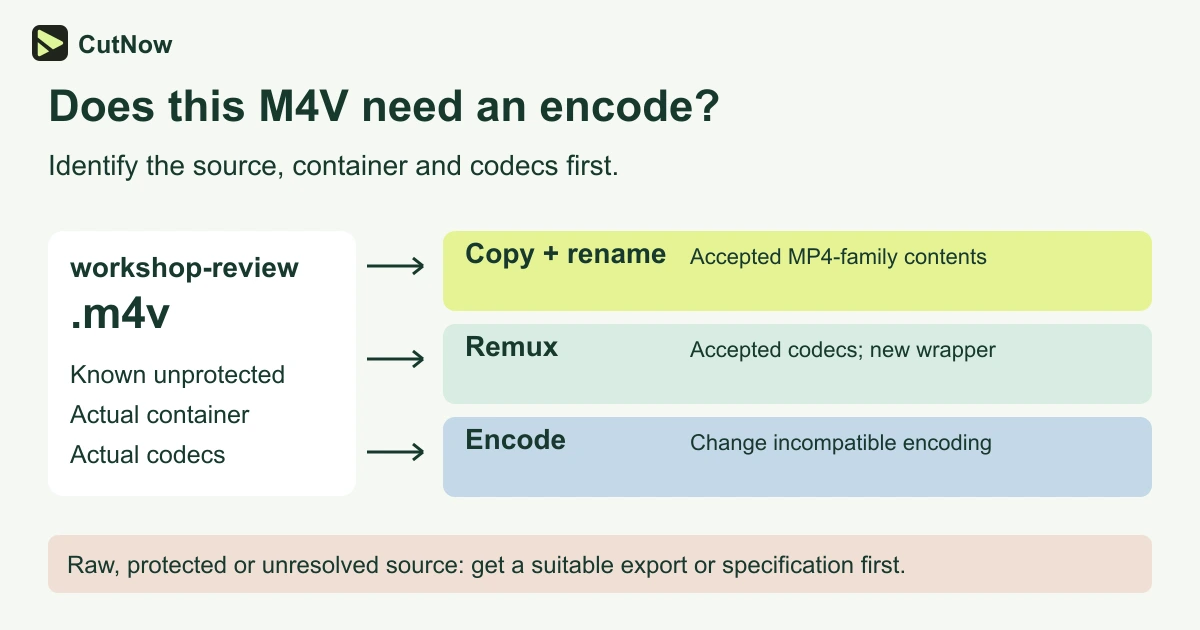
M4V to MP4: check whether the file needs converting
Inspect the real container and codecs before converting M4V. Choose a same-content copy, qualified remux or complete GUI encode, then verify the saved delivery.
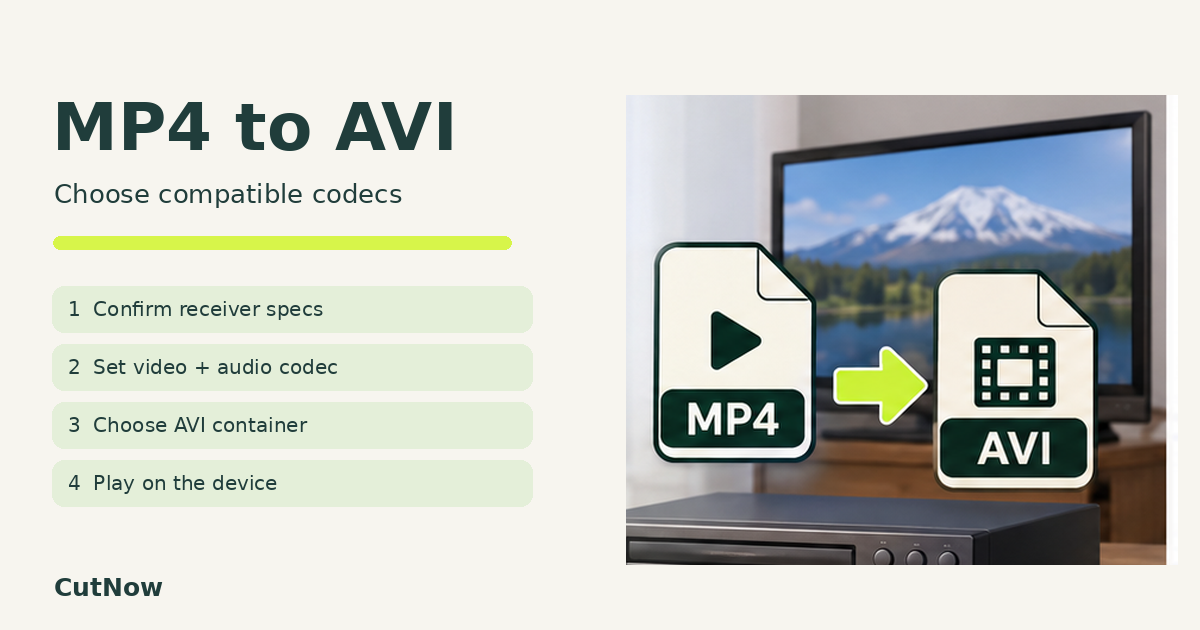
MP4 to AVI: Convert a Video for a Legacy Player Without Guessing the Codec
Convert an approved MP4 to an AVI that matches a legacy receiver. Choose supported codecs, resize proportionally in Avidemux, and test the actual saved file.
No matching articles
Try another keyword or clear the filters.