 CutNow
How to Make Podcast Clips That Make Sense on Their Own
Make a podcast clip around one complete answer. Keep the host question, speaker context and necessary conditions while CutNow finds passages and builds initial clips.
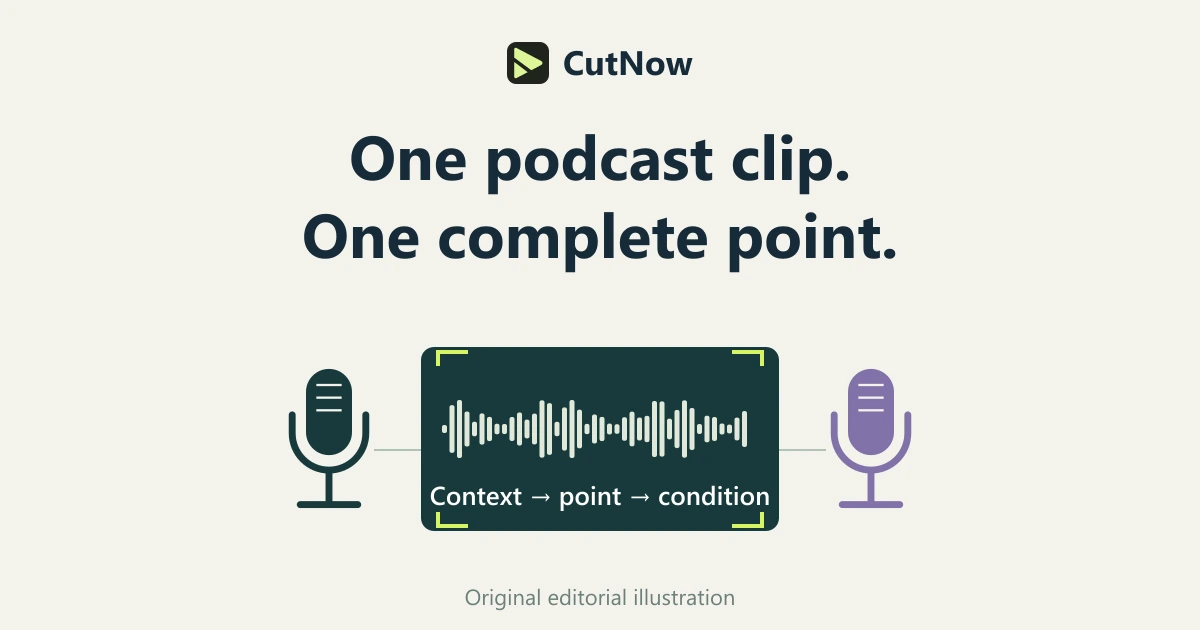
A long podcast interview can contain several useful ideas, yet a short excerpt needs a beginning and an ending of its own. CutNow is an AI video editing product for existing footage. Its long-video-to-shorts workflow finds relevant passages, sets cut points and produces separate MP4 clips. For a recorded conversation, that gives you an initial selection to shape around one question a new viewer can understand, instead of repeatedly scanning the whole episode and marking every possible passage yourself.
The deliverable here is one independent viewpoint clip: enough context to understand the question, a clear answer, and any condition needed to preserve its meaning. The broader long-video-to-shorts guide explains the overall workflow. This guide concentrates on the editorial boundary around a conversation.
Choose the question the clip will answer
Write down what a first-time viewer should understand after watching. “An interesting moment with the guest” leaves the selection open-ended. “What should a repair shop tell customers before it knows the completion date?” gives you something concrete to find in the source.
A useful podcast clip can contain a practical answer, a specific experience or a surprising explanation. It needs enough development to deliver that idea. A striking sentence followed immediately by a cutoff leaves the viewer without the reason to believe it. Spotify's guidance on promoting podcasts similarly advises making excerpts understandable without the full episode. Treat that as an editorial test, rather than a promise about distribution.
Find a complete answer around the strong line
Use the strongest line as a landmark, then listen before and after it. Find where the subject becomes clear, where the speaker explains the point, and where the thought resolves. A reply such as “That was the mistake” depends on an earlier statement. A later “except when…” may change what the viewer should take away.
CutNow's automatic passage selection and first cut provide a concrete starting point for this work. An existing interview check produced five separate MP4 clips, approximately 15–67 seconds long, from an interview with author Yu Hua. That is evidence of the multi-file delivery shape, not a prescribed clip length or a result every episode will repeat. The source and internal output videos are not reproduced here.
Keep the question when the answer needs it
Ask who “he,” “they,” “this” and “there” refer to. If the clip begins with one of these words, find the nearest sentence that identifies the subject. Keeping a short host question can be the most natural solution. A concise editorial heading can also establish the topic, provided it is clearly a heading and does not pretend to be something the guest said.
Listen to the follow-up as well. The host may supply a missing distinction, challenge a broad statement or prompt the example that makes the answer useful. Keep that exchange when it changes the meaning. Remove a repeated introduction or an unrelated digression only after locating the complete thought; the shortest possible excerpt is not automatically the clearest one.
Preserve the qualification in a teaching example
Imagine this original teaching conversation about a repair shop. The host asks, “What can you promise when you cannot give a repair date?” The guest answers, “Give the customer the next update time.” The host follows up, “And the completion date?” The guest replies, “Only once the parts and work are confirmed.”
The clip's single idea is clear communication when a repair date remains uncertain. Its useful shape keeps the question, the practical answer and the condition on the completion date. A title such as “What to promise before a repair date is confirmed” matches that scope. “Always promise a completion date” would contradict the conversation. This is a constructed editorial example, not footage processed by CutNow or words from the interview above.
If the host's second question is long, look for a shorter continuous exchange that still carries the condition. Preserve the guest's actual wording in quoted speech. Any explanatory heading belongs to the editor; keep it separate from the speaker's captions.

Shape the first cut into one coherent clip
Watch CutNow's selected passage from the start with the episode closed. Can you identify the topic before needing information from earlier in the show? Does the last sentence finish its thought? Keep a natural breath at the opening and allow the final word to finish. Tighten a repeated phrase where doing so leaves the speaker's meaning and the conversational response intact.
Then watch the picture and listen together. A reaction shot can show how a remark landed, but it should remain connected to the exchange it came from. Work from the available recording; a clip does not need rapid angle changes to communicate a clear idea. Decide on the selected passage before preparing a different frame, using the aspect-ratio guide when required.
Captions should name the right speaker and reflect the audible wording, including a negation or condition that matters. Fit them to the finished cut using the subtitle guide. An on-screen heading can orient the viewer while the original voices continue to carry the conversation.
Give the viewer a complete takeaway and a next step
Watch the public Wikimedia panel excerpt as an example of an independently watchable passage from a longer discussion. The 1:47 video is a selected, reframed excerpt, with the source and CC BY-SA 4.0 attribution on its page. It demonstrates a viewing format; it is separate from the multi-clip check described above.
Name the clip for the question it actually answers, and identify the episode for someone who wants the wider conversation. On YouTube, an eligible channel can add a related video to a Short; the official instructions explain the advanced-feature requirement and eligible source videos. A route to the episode complements the takeaway already delivered by the clip.
Start with one question from your own recorded interview. Let CutNow find passages and organize the initial clips, then shape the chosen answer for a viewer meeting the conversation for the first time. Explore CutNow.
Prepared by the CutNow team with AI writing assistance and editorial review. The repair-shop dialogue is an original teaching example.